Guides
Updated On 05 January 2024 |
Min(s) read
OpenShift Login
This section explains the steps involved to log in to OpenShift.
To log in to OpenShift,
- Ensure that the cluster is up and running and log in to web-UI.1.
- Select Copy Login Command from the drop-down in the top right corner.

- Log in again and select Display Token.
- Copy the token under “Your API token is”
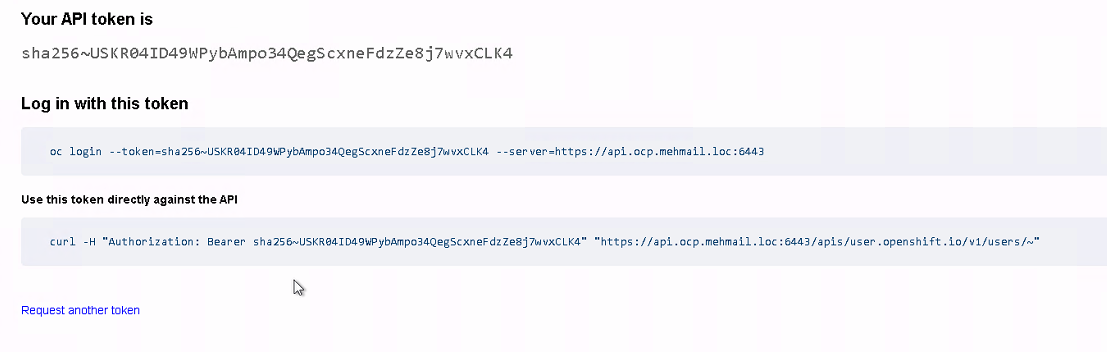
- Ensure that the cluster is up and running and log in to the OpenShift-console.
- Execute the below command with the copied token.
oc login –token=sha256~16fE_oS1ASiURrP7sq5ZEjqpbo0XB-THHDHCBBSrQjM –server=https://api.ocp.mehmail.loc:6443

In this topic