Guides
Updated On 23 March 2024 |
Min(s) read
Extracting Temenos Transact temporary release package
This section shows you how to extract temp.release files in TAFJ environment.
For TAFJ
- Download the latest temp.release zip file (for example, temp.release.tar.gz).
- Unzip the zip file to your destination folder.
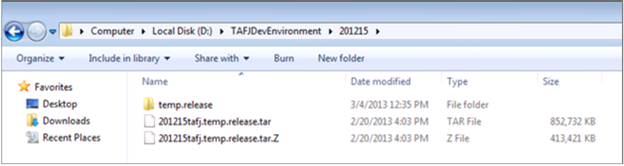
- Unzip the .tar file to extract the temp.release files.
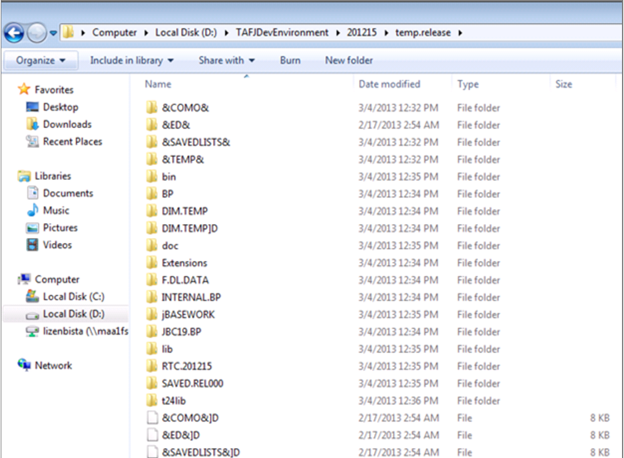
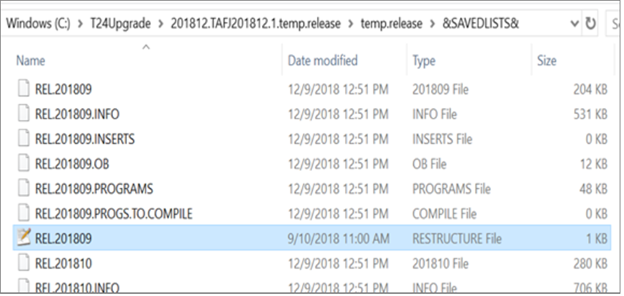
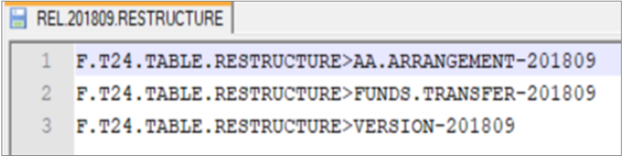
The REL.release.RESTRUCTURE file available in the temp.release/&SAVEDLIST& directory contains the restructure definition list. This file gets released to T24 environment during T24.PRE.RELEASE.
- Use the below command to provide all access to the temp.release package.
chmod –R 777 temp.release
In this topic