Installing Aggregation Microservice in AWS
This section helps you to install the Account Aggregation Microservice in AWS.
Prerequisites:
- AWS CLI and Python 2.7.x must be installed prior to the deployment.
- Active MYSQL/MSSQL database connection details are required.
- User executing the script must have the necessary permissions to access or manage cloud resources such as Lambda functions, api-gateway, S3 bucket, Event streams, databases etc.
Procedure
Follow these steps to install the Account Aggregation Microservice:
- Copy and paste the generated zip file (from the target folder) in the installation directory and unzip it.
- Inorder to enable deployments on multiple environments(dev,uat,prod etc) for same Microservices within same account , set
DEPLOYMENT_ENVIRONMENTvariable with respective value. - To enable the in-house authentication in addition to API key, perform the JWT Authentication in the installation scripts.
- In the AWS command line, navigate to the installation directory.
- To make the Microservice up and running, execute the install-aws.sh shell file to set up the AWS environment.
- Modify the region information in the install-aws.sh script specific to your installation.
- Once the installation is done, get the base URL for testing API.
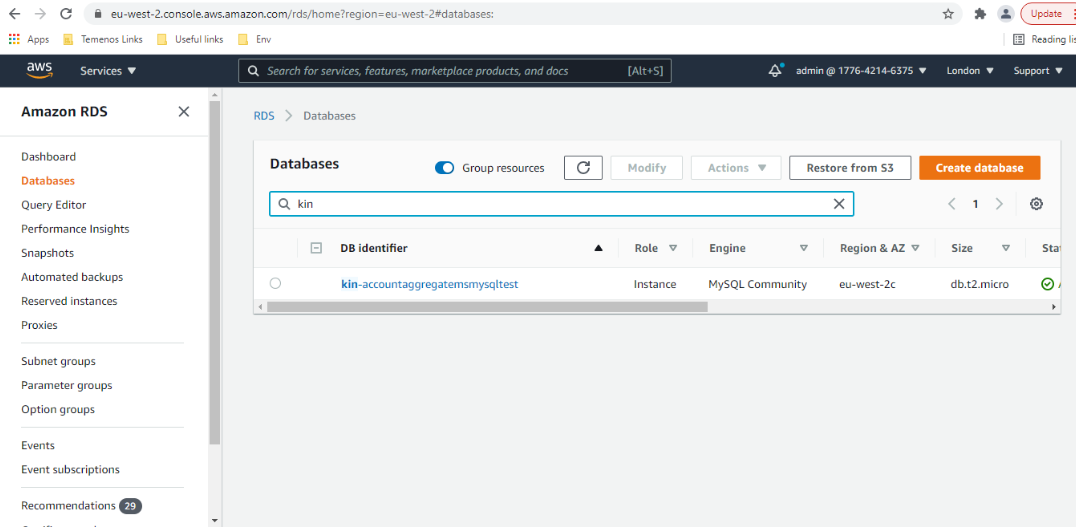
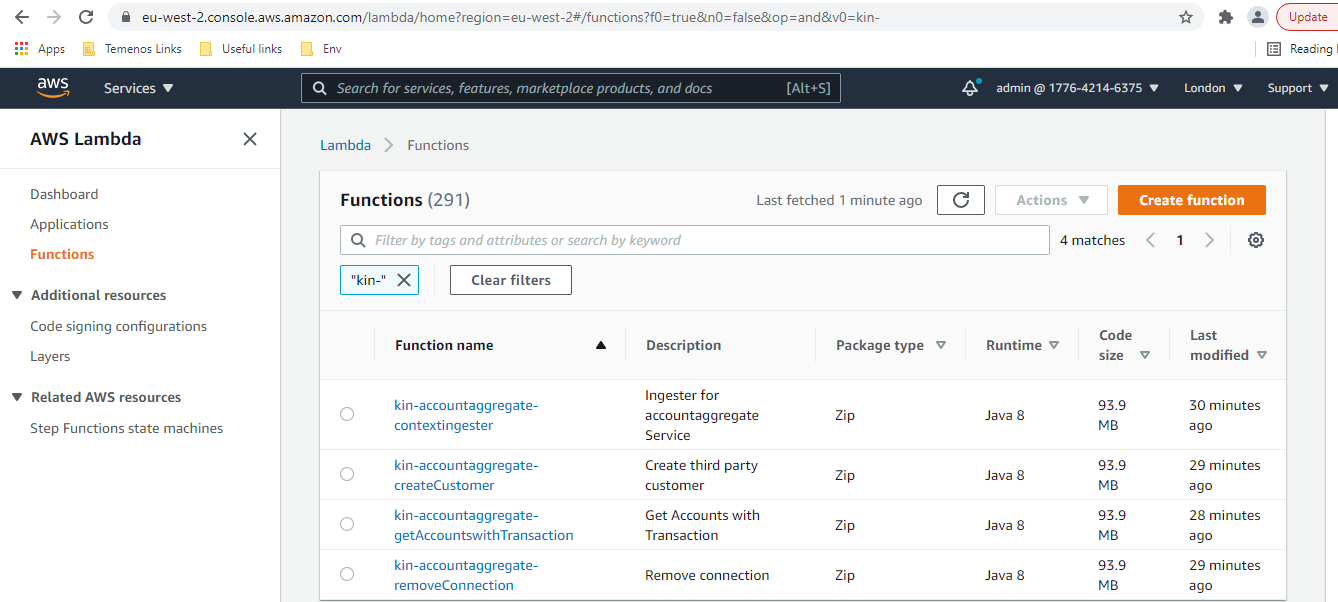
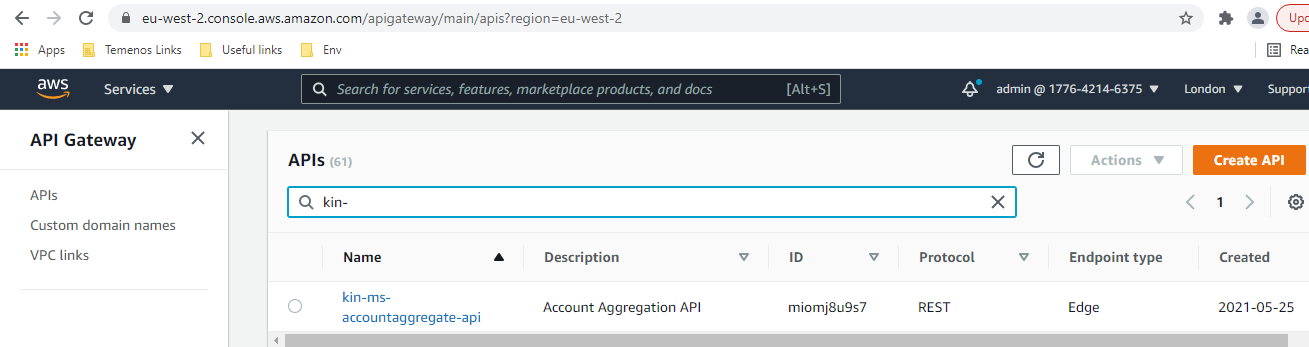
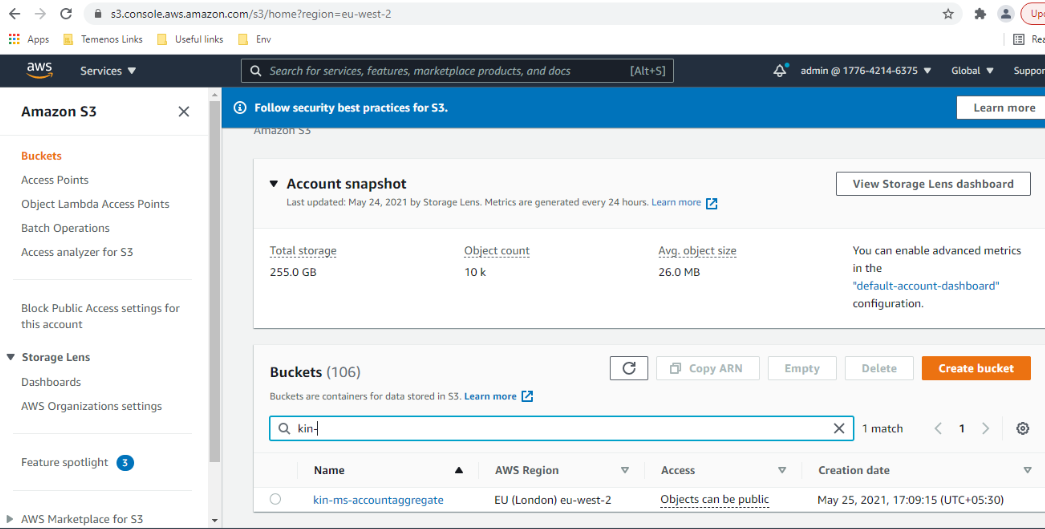
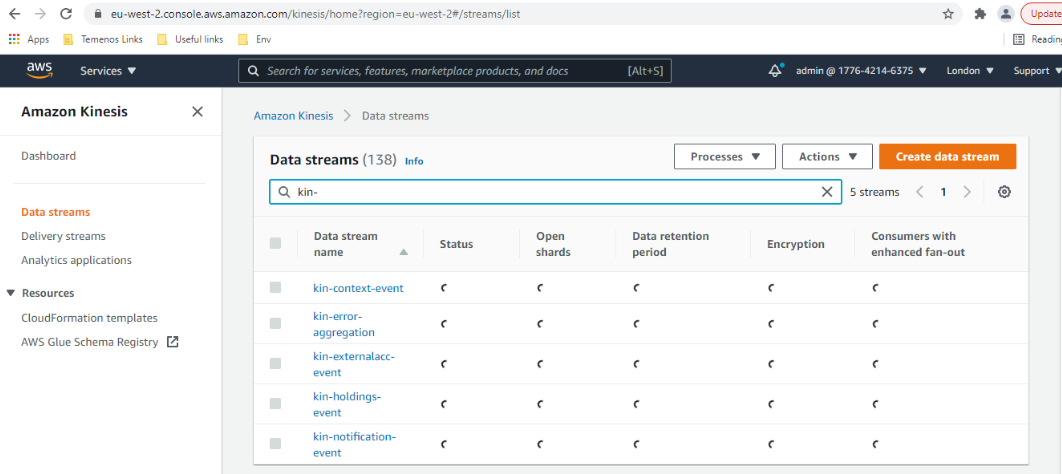
- Post-installation, login into AWS portal and verify the lambda, DB Instances, S3 Bucket, Kinesis and API gateways are created properly or not.
- To deploy the Microservice, execute install-aws.sh shell script to create the resources.
- After the successful deployment database, collections and the reference data are loaded into the MySQL database for Account Aggregation Microservice.
- Post-deployment login into AWS portal and verify the lambda and API gateways are created properly.
- To obtain the API key for all the endpoints in AWS, navigate to API Key section under the Amazon API gateway and select the corresponding API key, then click on show. The API key has to be a part of header (x-api-key) in all the requests.
The Base path of the API gateway URL follows the below structure:
Base URI: https://<REST-API-ID>.execute-api.<LOCATION>.amazonaws.com/<DEPLOYMENT_ID>
For example, https://samplehost.execute-api.eu-west-2.amazonaws.com/ms-accountaggregate-api
Resource path of the endpoint can be found in the swagger document. A sample endpoint of accountaggregate microservice is https://samplehost.execute-api.eu-west-2.amazonaws.com/ms-accountaggregate-api/v1.0.0/system/banks/{bankid}Rest API Id can be obtained from Amazon API Gateway or Git logs as follows:
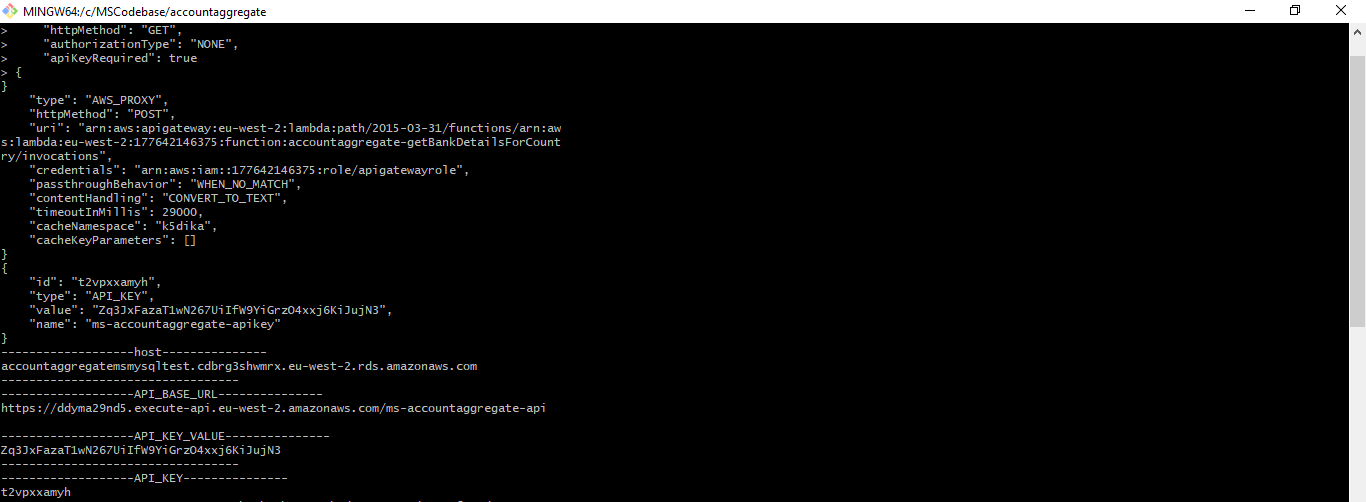
--region us-west-2
--event-source-arn arn:aws:kinesis:us-west-2
--uri arn:aws:apigateway:us-west-2:lambda:path/2015-03-31/functions/arn:aws:lambda:us-west-2
Database
Lamda Functions
API Gateway
S3 Bucket
Kinesis
In this topic