AWS Kinesis Configuration for Arrangements MS
 AMS Account Aggregation Kinesis Configuration
If you execute the install-aws.sh, the external-account-event kinesis will be automatically created and it will be linked to the Account Aggregation Ingestion Lambda Function.
In the AWS portal it will be as follows:
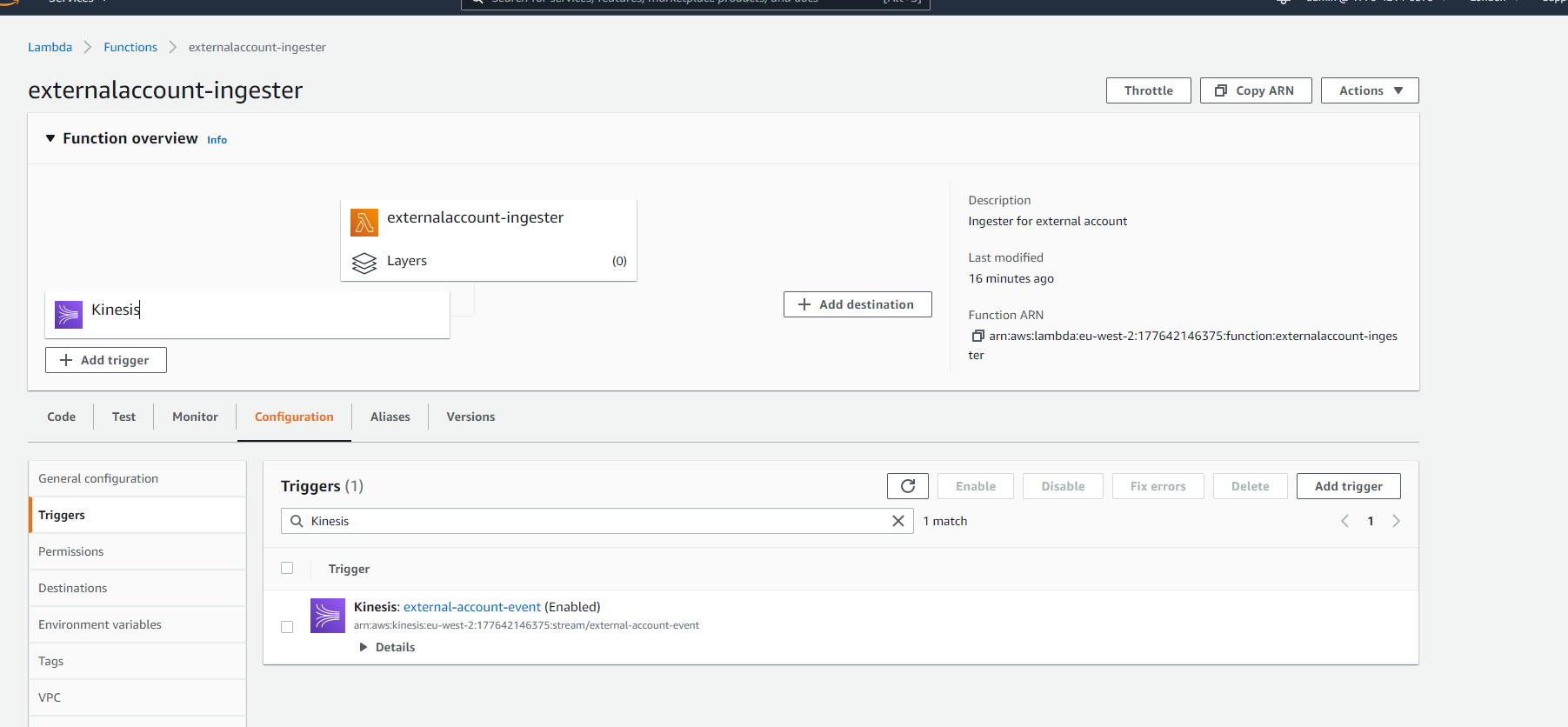
AMS Account Aggregation Kinesis Creation
Method 1:
If the Account Aggregation Kinesis is already created and working, then change the following configuration in install-aws.sh as follows:
EXT_INGEST_SOURCE_STREAM - kinesis for Account Aggregation:

Method 2:
If the Account Aggregation Kinesis is not present in AWS Environment then install-aws.sh will automatically create the kinesis.
If you execute the install-aws.sh, the external-account-event Kinesis will be automatically created if it does not exists.
In the AWS portal it will be as follows:
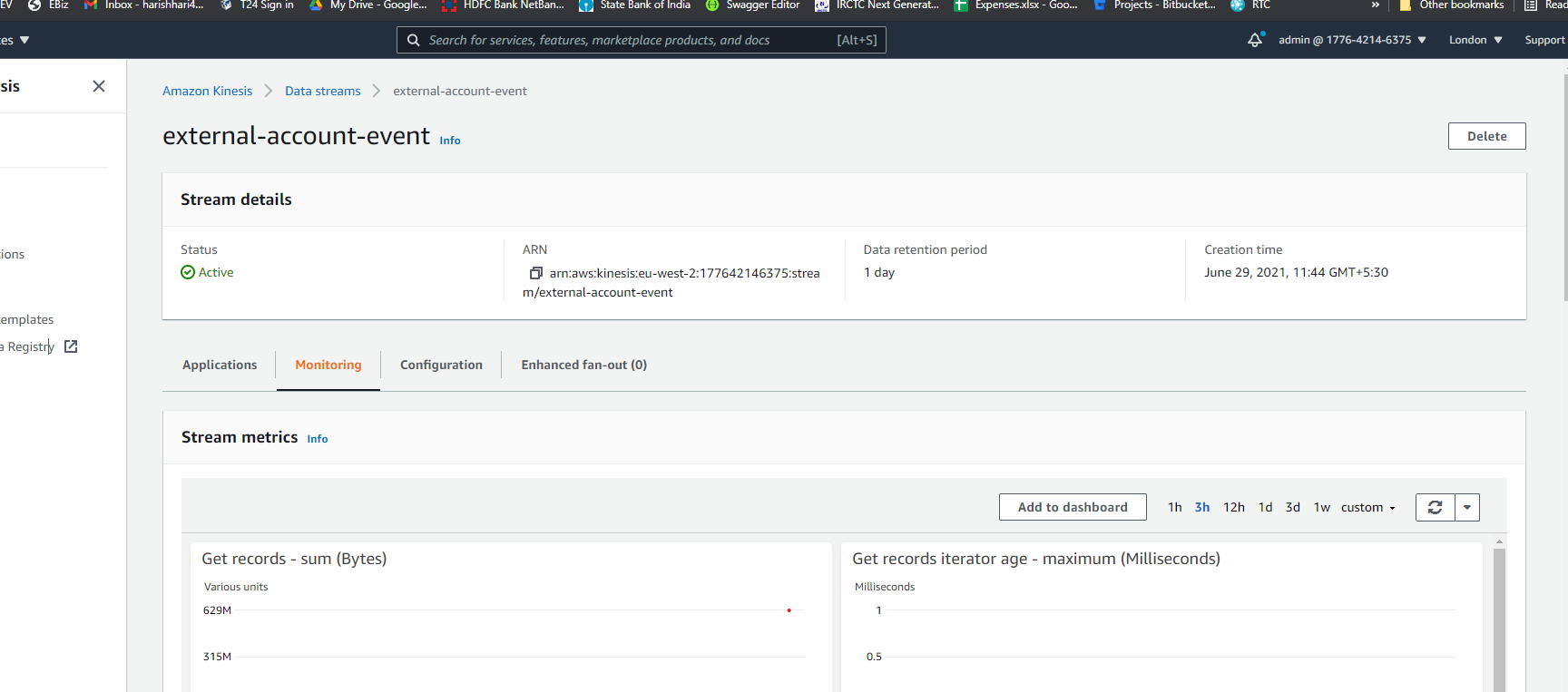
AMS Event Processor Kinesis Configuration
Event Processor Lambda function should be configured with the kinesis stream where the Transact business events are streamed from Transact System.
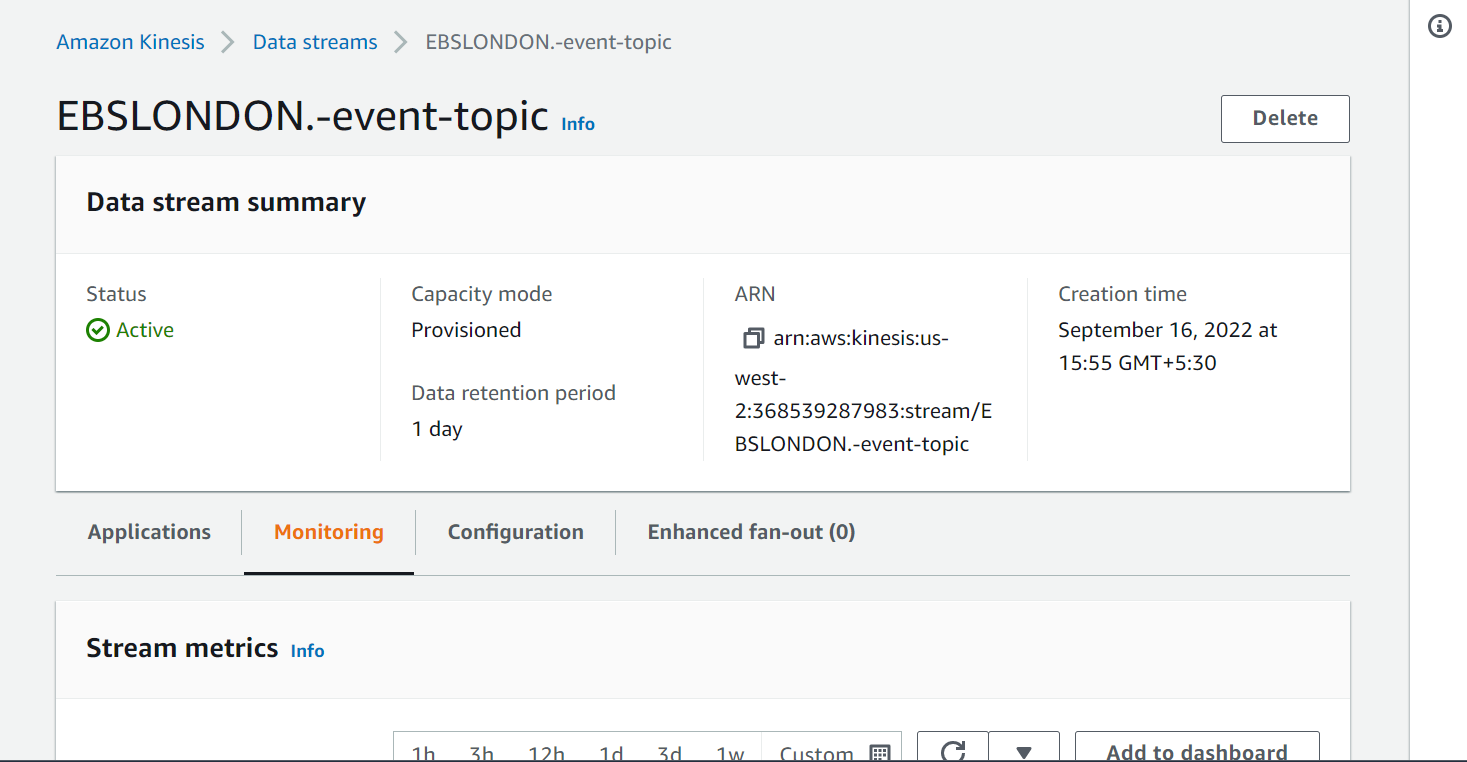
If you execute the install-aws.sh, the <multideployment>-EBSLONDON.-event-topic kinesis will be automatically created and it will be linked to the EventProcessor Ingestion Lambda Function.
In the AWS portal it will be as follows:
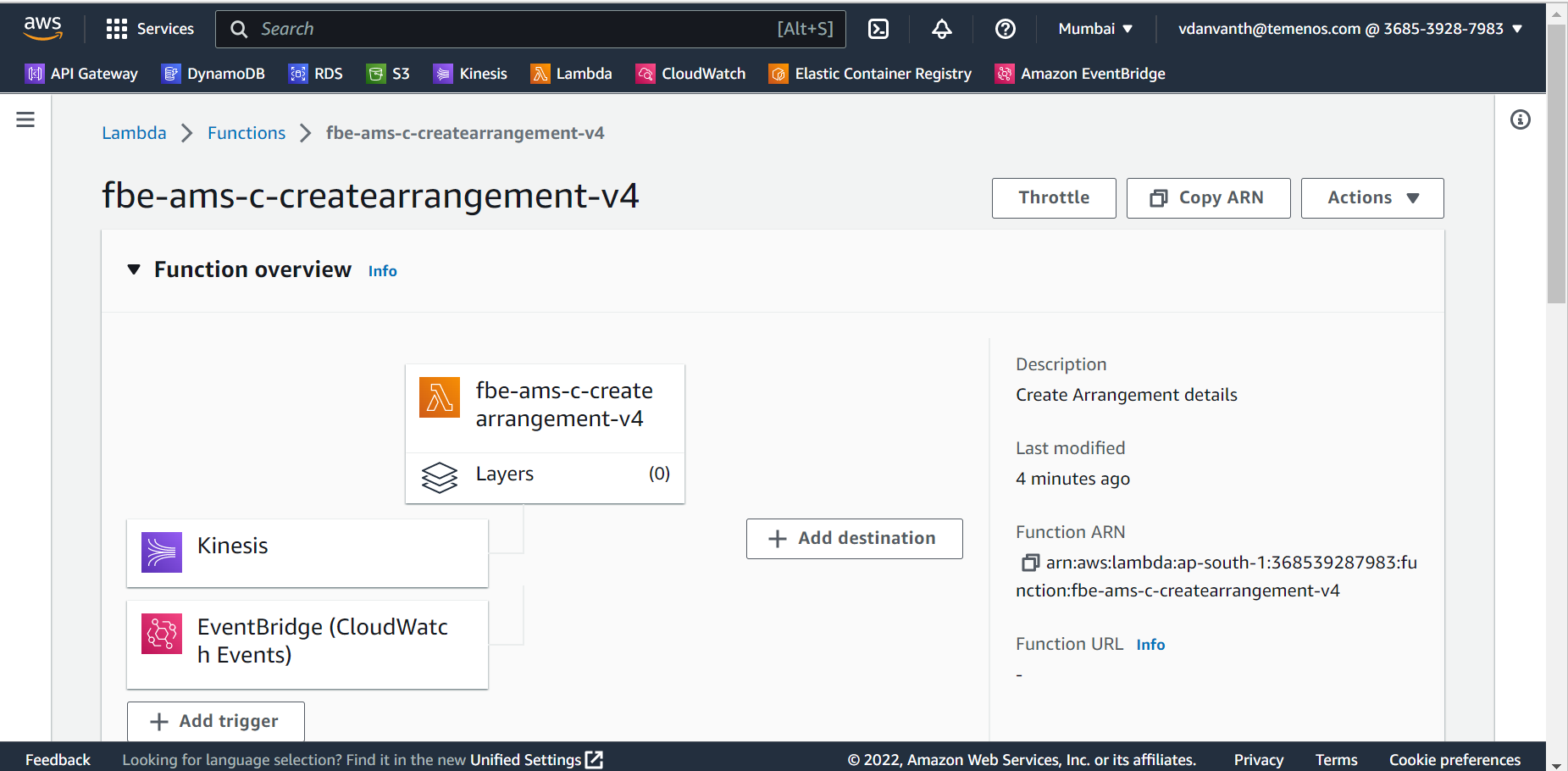
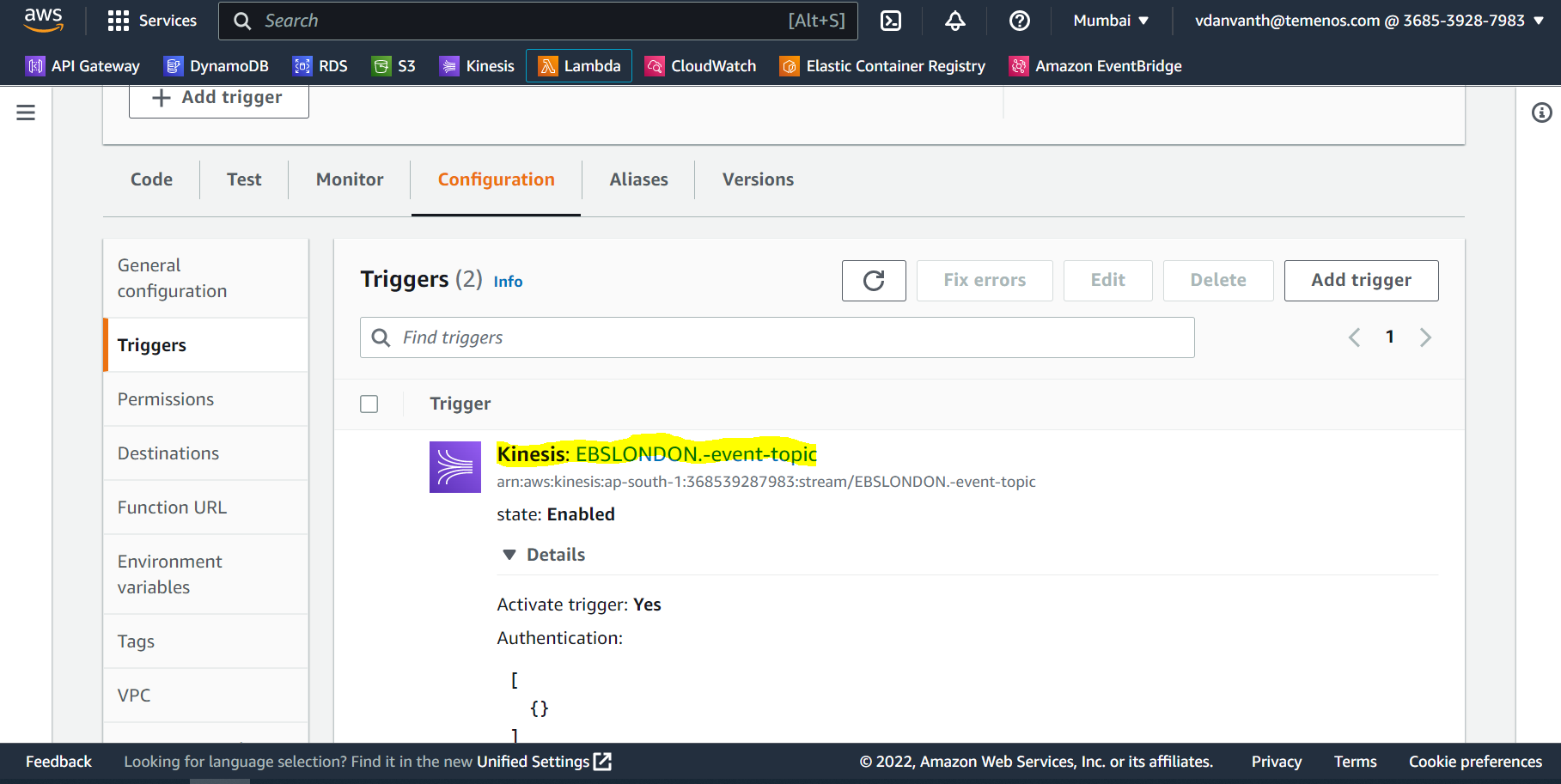
AMS Event Processor Kinesis Creation
Method 1:
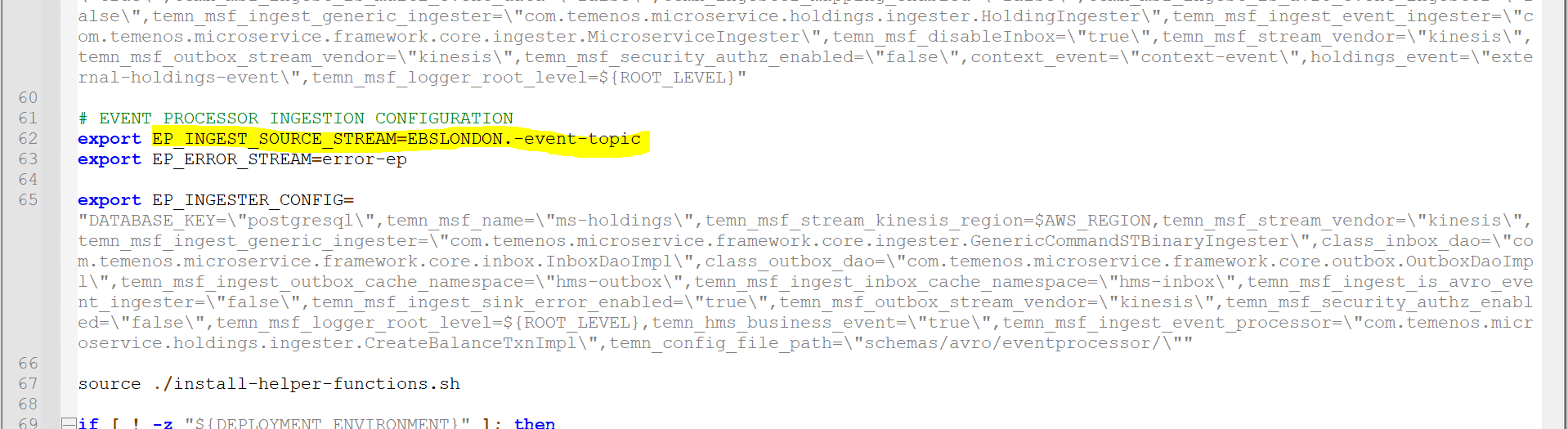
If the Event Processor Kinesis is already created and working, then change the following configuration in install-aws.sh as follows:
Here, EP_INGEST_SOURCE_STREAM - kinesis for Event Processor.
Method 2:
If the Event Processor Kinesis is not present in AWS Environment then install-aws.sh will automatically create the kinesis.
If you execute the install-aws.sh, the <multideployment>-EBSLONDON.-event-topic Kinesis will be automatically created if it does not exists.
In the AWS portal it will be as follows:
AMS Transact Kinesis Configuration
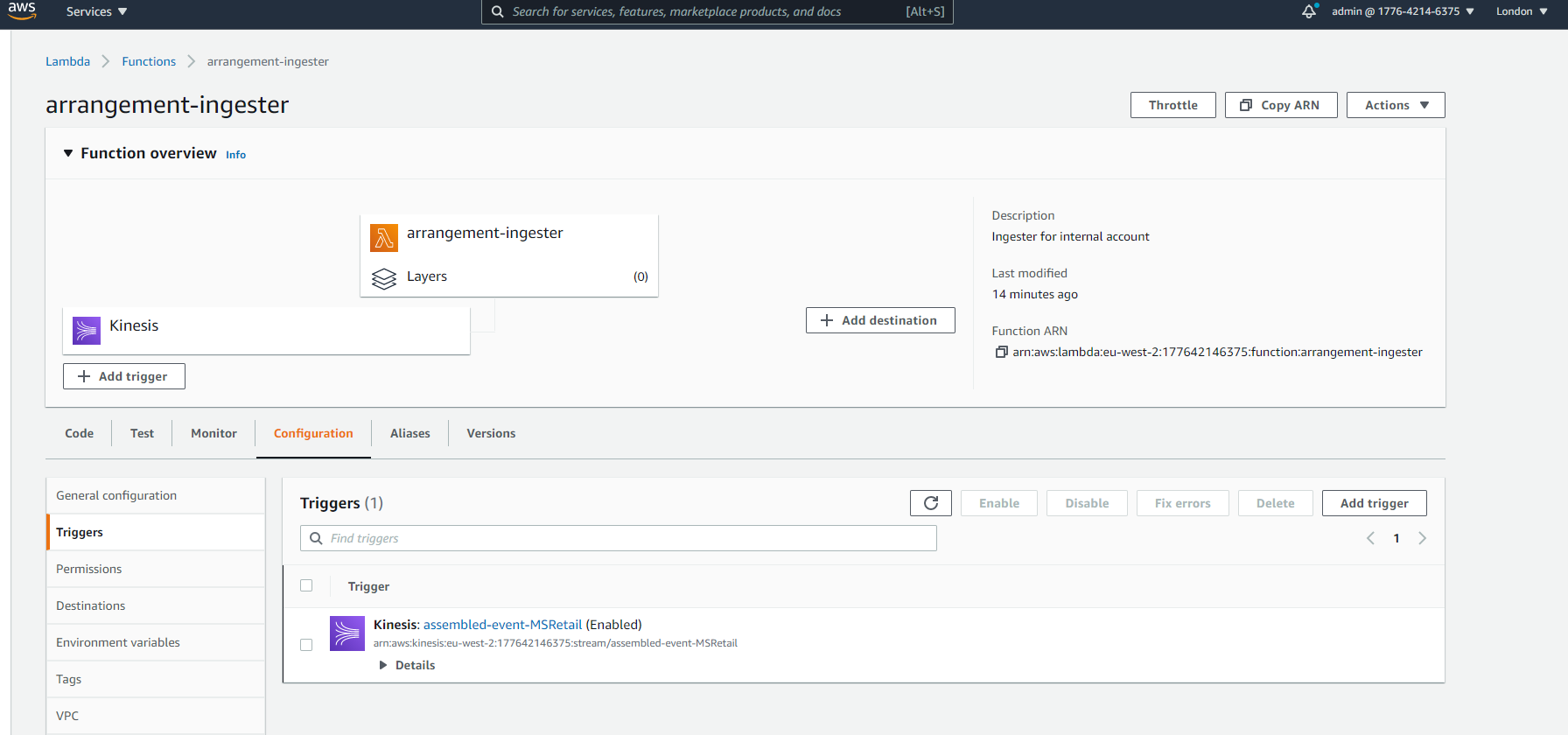
If you execute the install-aws.sh, the assembled-event-MSRetail kinesis will be automatically created and it will be linked to the Internal Ingestion Lambda Function.
In the AWS portal it will be as follows:
AMS Transact Kinesis Creation
Method 1:
If the Transact Kinesis is already created and working, then change the following configuration in install-aws.sh as follows:
Here,
- INGEST_SOURCE_STREAM - kinesis for T24
- temn_msf_schema_registry_url - localhost/subjects for DES Transact

Method 2:
If the Transact Kinesis is not present in AWS Environment then install-aws-dynamo.sh / install-aws-postgresql.sh will automatically create the kinesis.
If you execute the install-aws.sh , the assembled-event-MSRetail Kinesis will be automatically created if it does not exists.
In the AWS portal it will be as follows:
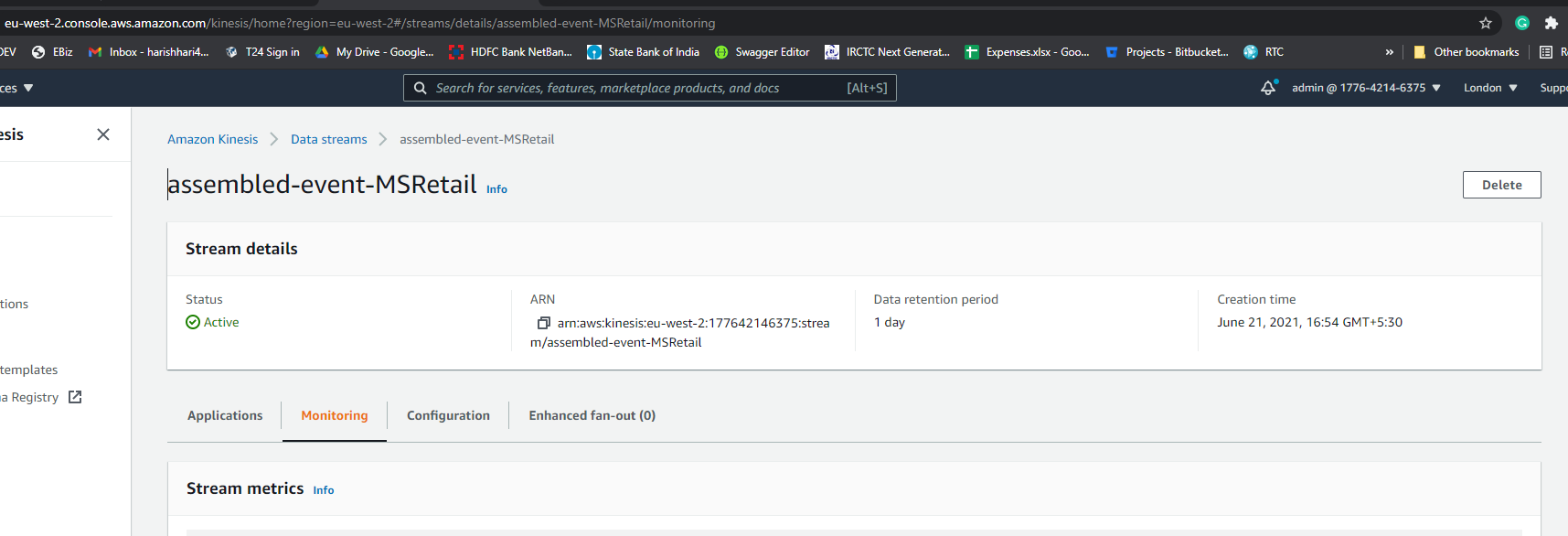
Note that this Kinesis for Transact will have the default name with the syntax of <eventName>-<systemName> eg. assembled-event-MSRetail.
In this topic