Installing Arrangement Microservice in AWS
This section helps you to install the Arrangement Microservice in AWS.
Procedure:
- Copy the generated zip file (from target folder) in the installation directory.
- Extract the file.
- In AWS command line, navigate to the installation directory.
- To make the microservice up and running, execute install-aws.sh shell file.
- In case of a multiple instance deployment, provide a unique value to
DEPLOYMENT_ENVIRONMENTproperty ininstall-aws.shfile, which creates API Gateway, Lambda Function, DB Instances, S3 Bucket, Kinesis.
If theDEPLOYMENT_ENVIRONMENTproperty is not provided with any value, the default value of API Gateway, Lambda Function, DB Instances, S3 Bucket, Kinesis will be considered. - To set up the AWS environment, modify the region information in the install-aws.sh script specific to your installation.
- region us-west-2
- event-source-arn arn:aws:kinesis:us-west-2
- Uri arn:aws:apigateway:us-west-2:lambda:path/2015-03-31/functions/arn:aws:lambda:us-west-2
- Check the Configuration for Transact Ingestion in AMS Configuration → AWS Configuration AMS → AMS Transact Kinesis Configuration
- Check the Configuration for External Ingestion in AMS Configuration → AWS Configuration AMS → AMS Account Aggregation Kinesis Configuration
- Check the EventHub Creation for event processor ingestion in AMS Configuration → AWS Configuration AMS → AMS EventProcessor Kinesis Configuration
Config Check
Once the installation is done, you will get the Base URL for testing API. Post-installation login into AWS portal and verify the lambda and API gateways are created properly or not. The master key token and API host URL can be retrieved from the deployed bash, navigating as highlighted:
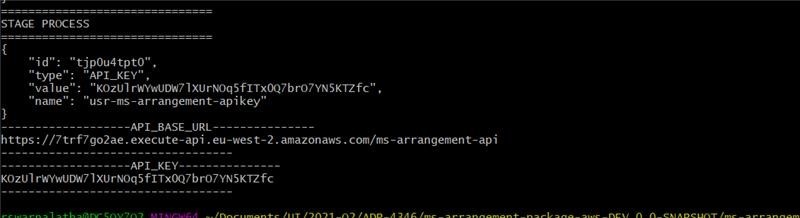
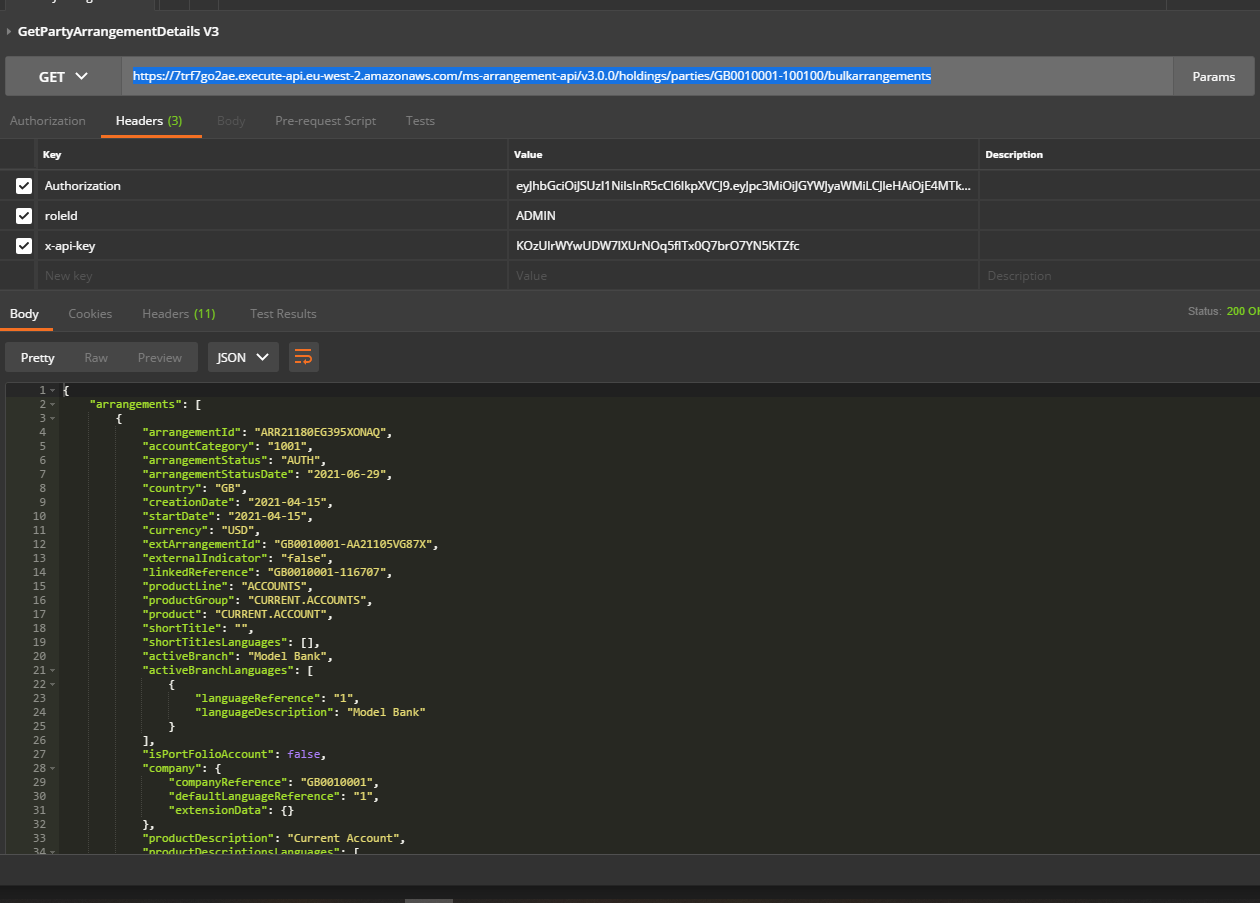
Furthermore, this can be hit from the Postman too. The x-api-key and the host API URL is taken from the last run gitbash window (to be modified).
https://7trf7go2ae.execute-api.eu-west-2.amazonaws.com/ms-arrangement-api/v3.0.0/holdings/parties/GB0010001-100100/bulkarrangements
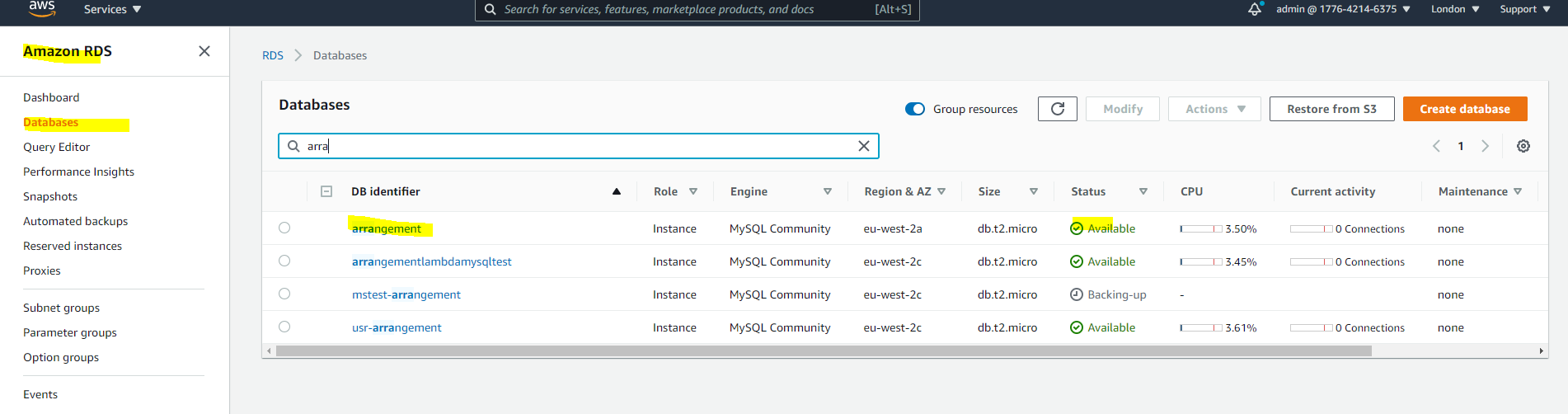
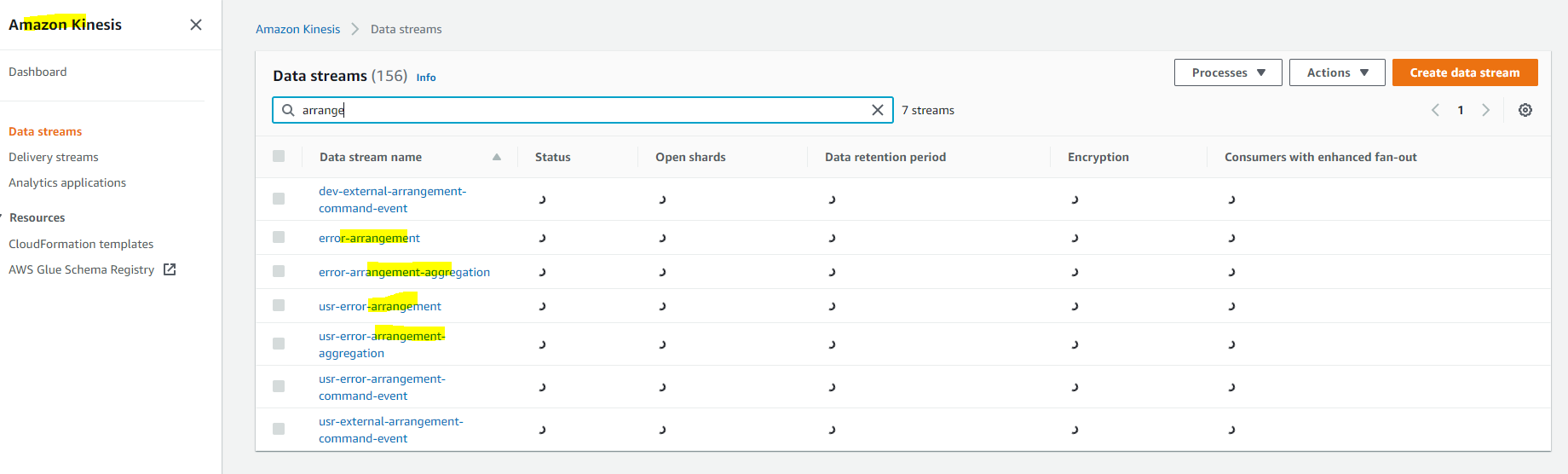
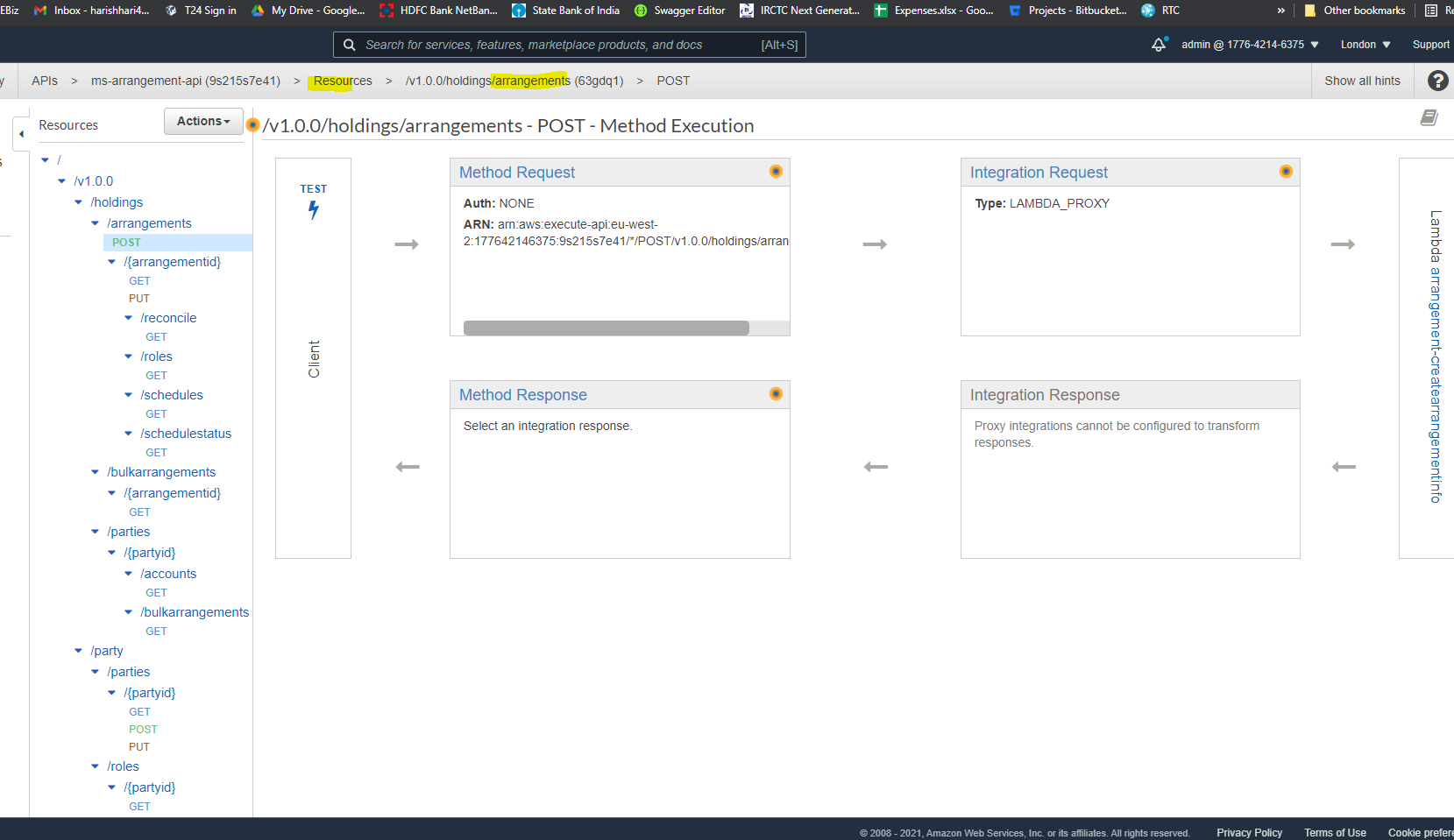
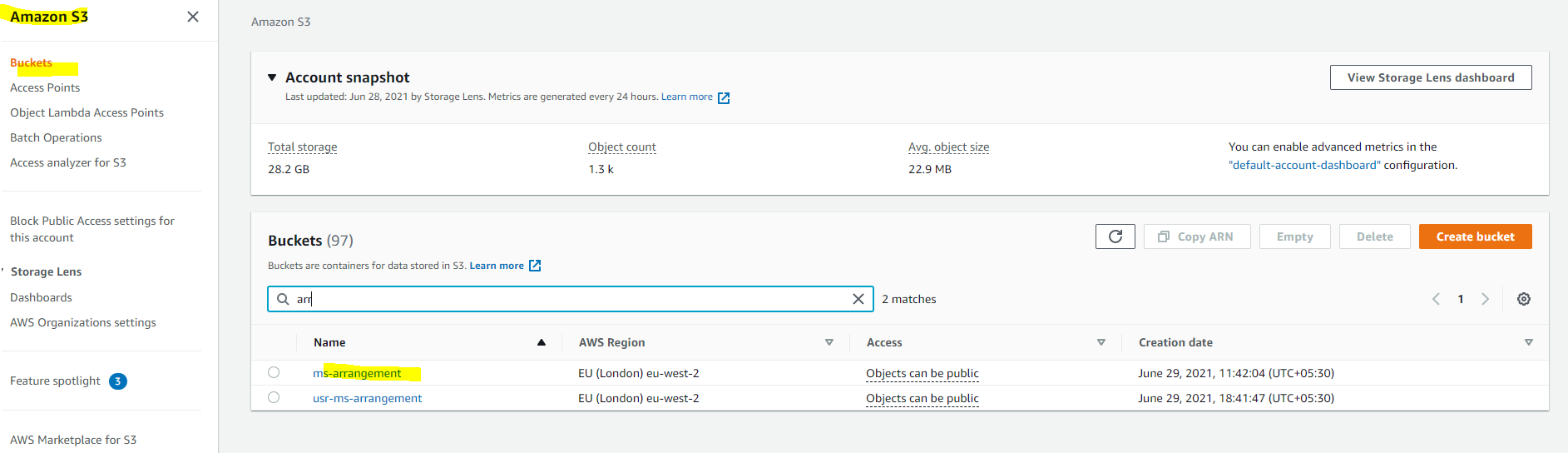
Post-installation, login to the AWS portal and verify if the following are properly created:
- RDS Database
- Kinesis
- API Gateway
- S3 Bucket
In this topic