Deploy Originations Data Storage Microservice in AWS Container
The Originations Data Storage microservice is provisioned for deployment in the AWS container.
Artifacts
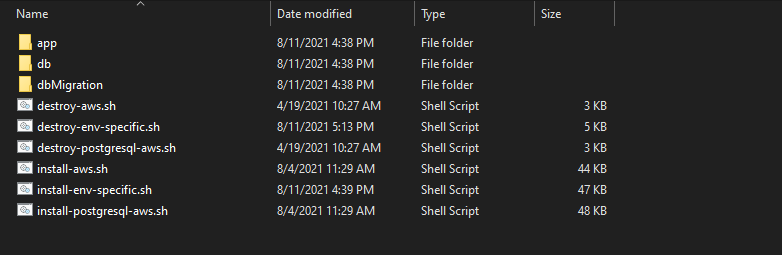
Storage Microservice for AWS deployment is available as single release bundle. For example, ms-storage-package-aws-<release_number>.zip. It consists of the ms-storage-package-aws-<release_number>.jar and AWS script files.
Deployment
AWS CLI and Python 2.7.x should be installed prior to the deployment.
To deploy the Originations Data Storage microservice:
- Obtain the generated zip file (from target folder) in the installation directory and Unzip it.
- To enable the in-house authentication in addition to API key, perform the JWT Authentication in the installation scripts.
- In AWS command line, navigate to the installation directory
- Modify the region information in the install-env-specific.sh script specific to your installation
- To deploy the microservice, execute install-aws-build.sh/install-postgresql-aws-build.sh shell script to create the resources,
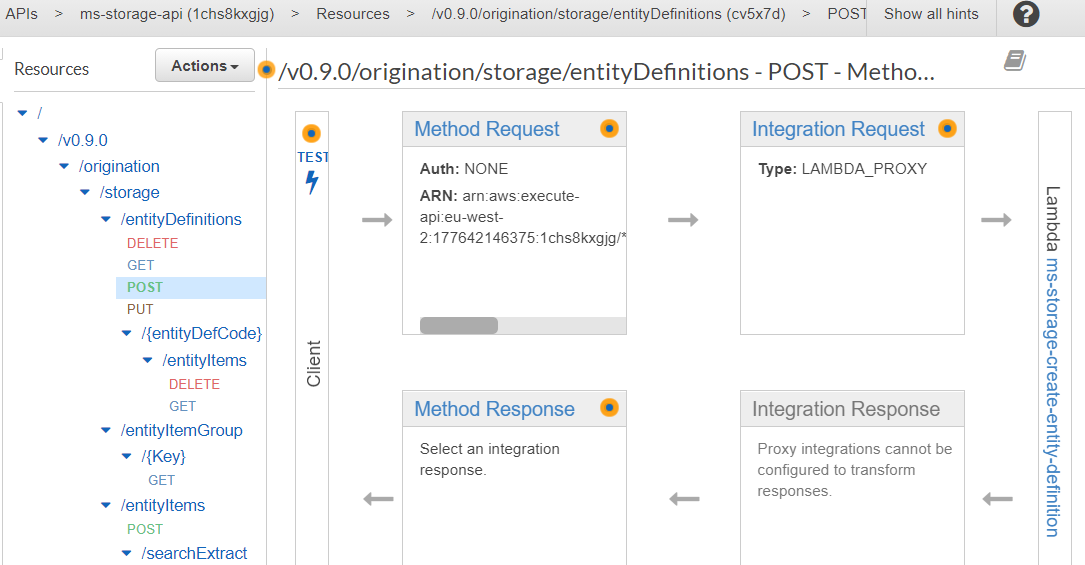
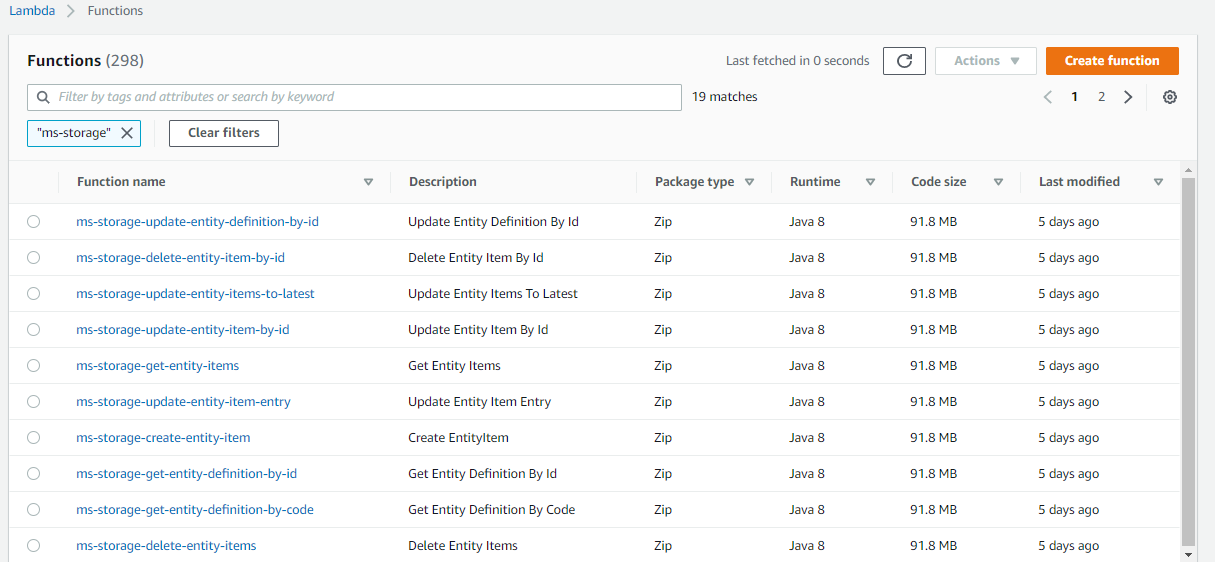
- Post-deployment login into AWS portal and verify the lambda and API gateways are created properly.
Examples:
--region us-west-2
--event-source-arn arn:aws:kinesis:us-west-2
--uri arn:aws:apigateway:us-west-2:lambda:path/2015-03-31/functions/arn:aws:lambda:us-west-2
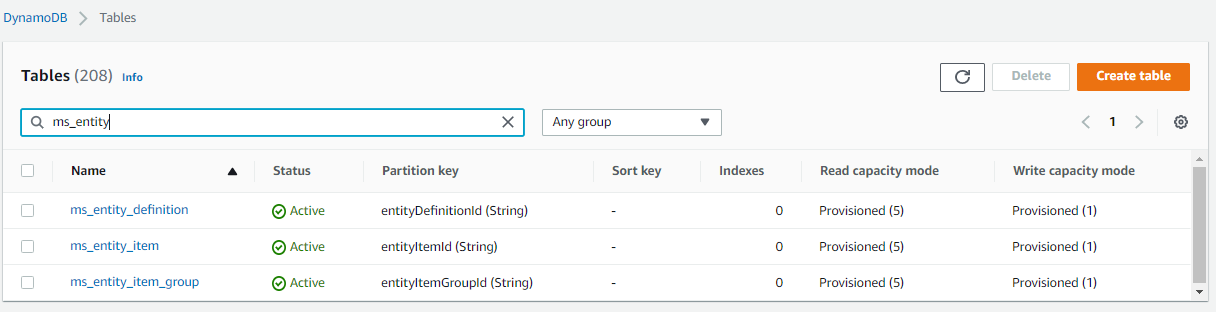
DynamoDB
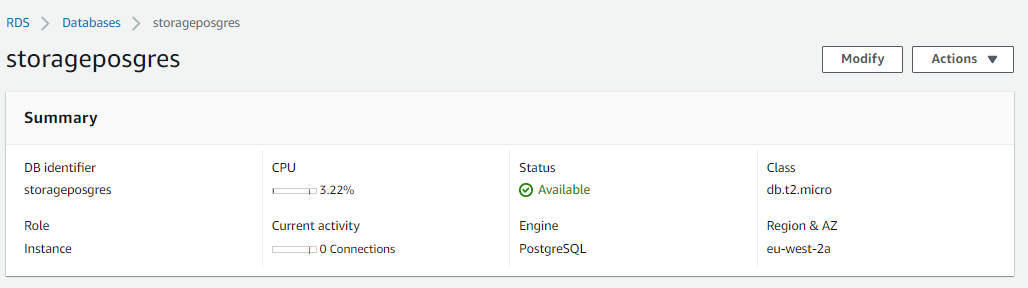
PostgreSQL
Undeploy
To undeploy the Originations Data Storage microservice:
- Execute the below command to destroy all the service created during the respective deployment:
destroy-env-specific.sh/destroy-env-specific.sh
In this topic