Service-Request K8: Setting Up Kafka using Strimzi
Multiple Instances of Kafka can run in the same machine if the namespaces and ports are unique. Ensure the ports are also exposed.
To setup Kafka using Strimzi for the K8 , follow these steps:
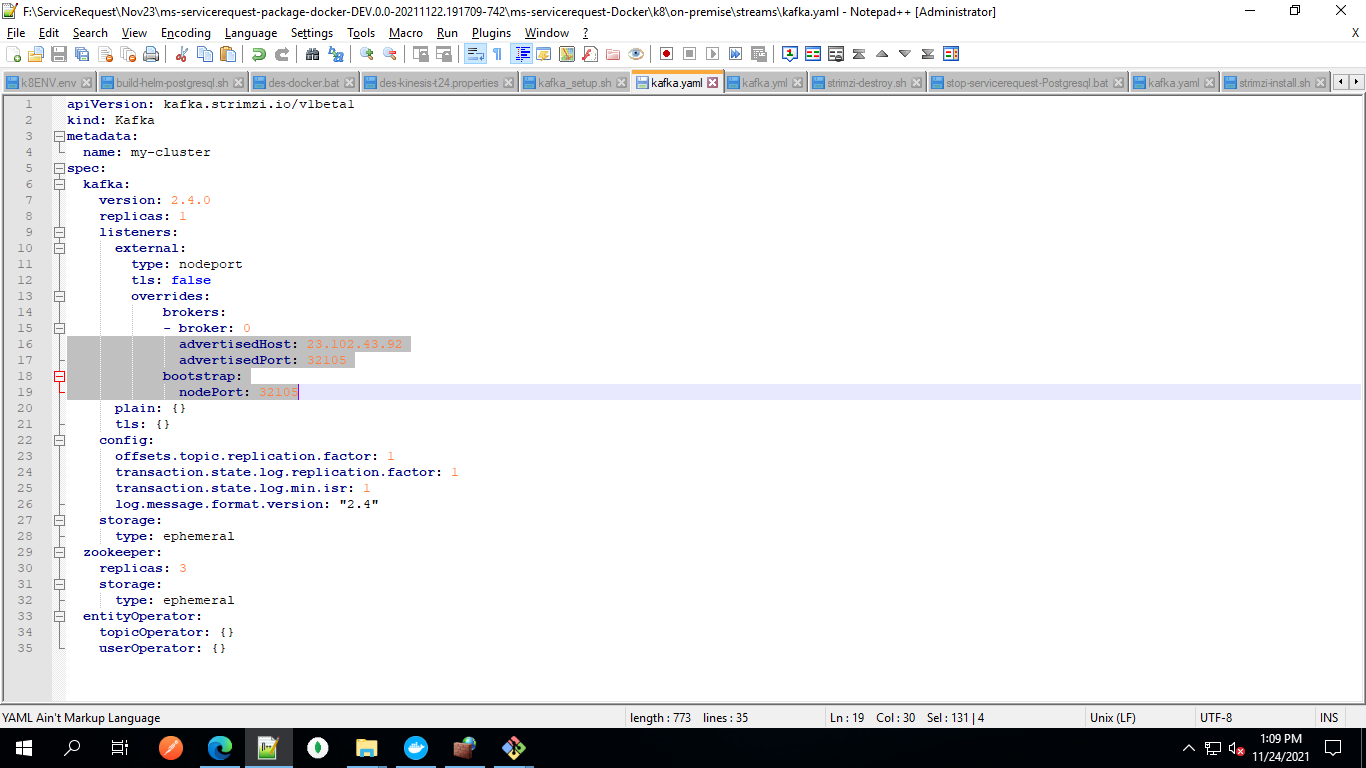
- Modify the kafka.yml, present in the streams folder and then change the advertisedHost value to the external IP of the deployed machine. The value can be displayed by running ipconfig command in cmd.
- Change the value of advertisedPort and nodePort between 32100-32200 and then save the changes.
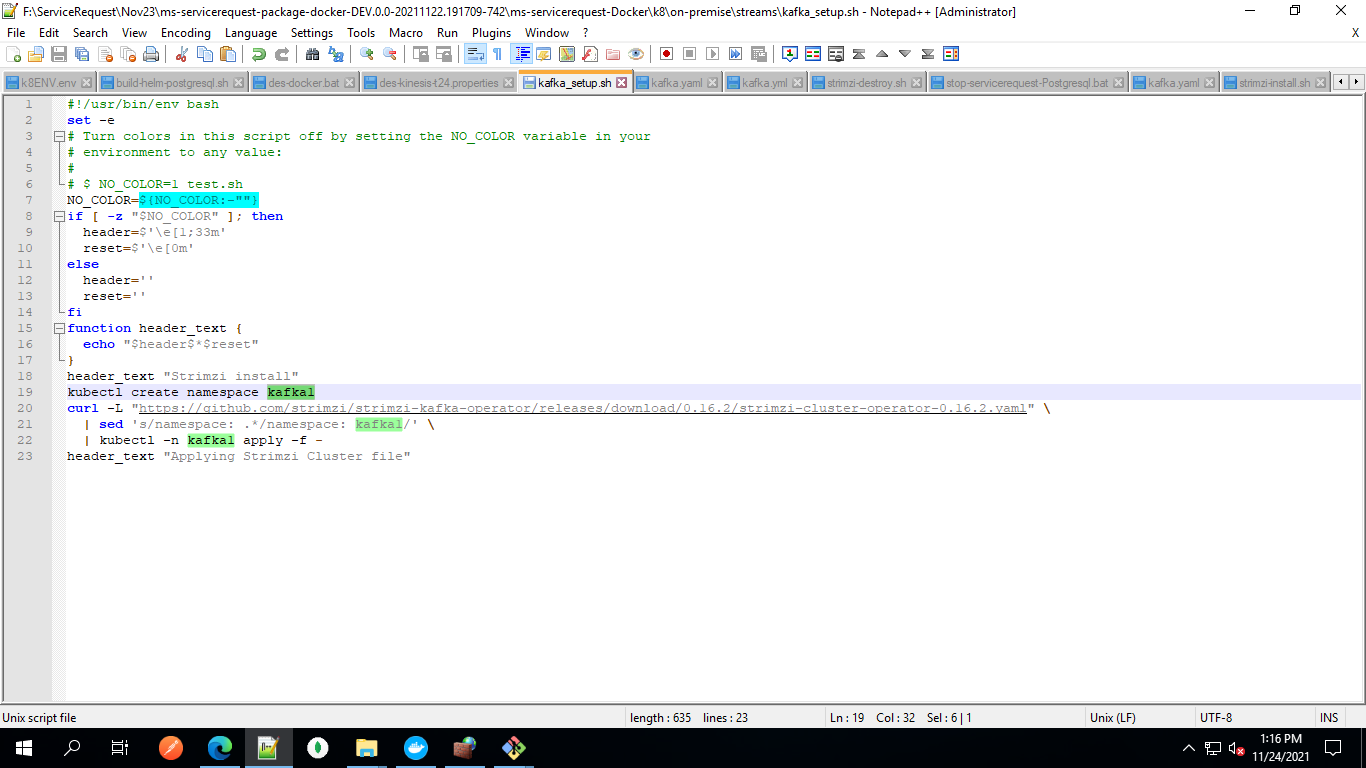
- Modify the kafka_setup.sh, present in the same directory. Change the kafka1 namespace, if required.
- Modify the strimzi-install.sh, present in the same directory. Replace kafka1, which is the default namespace to the desired namespace.
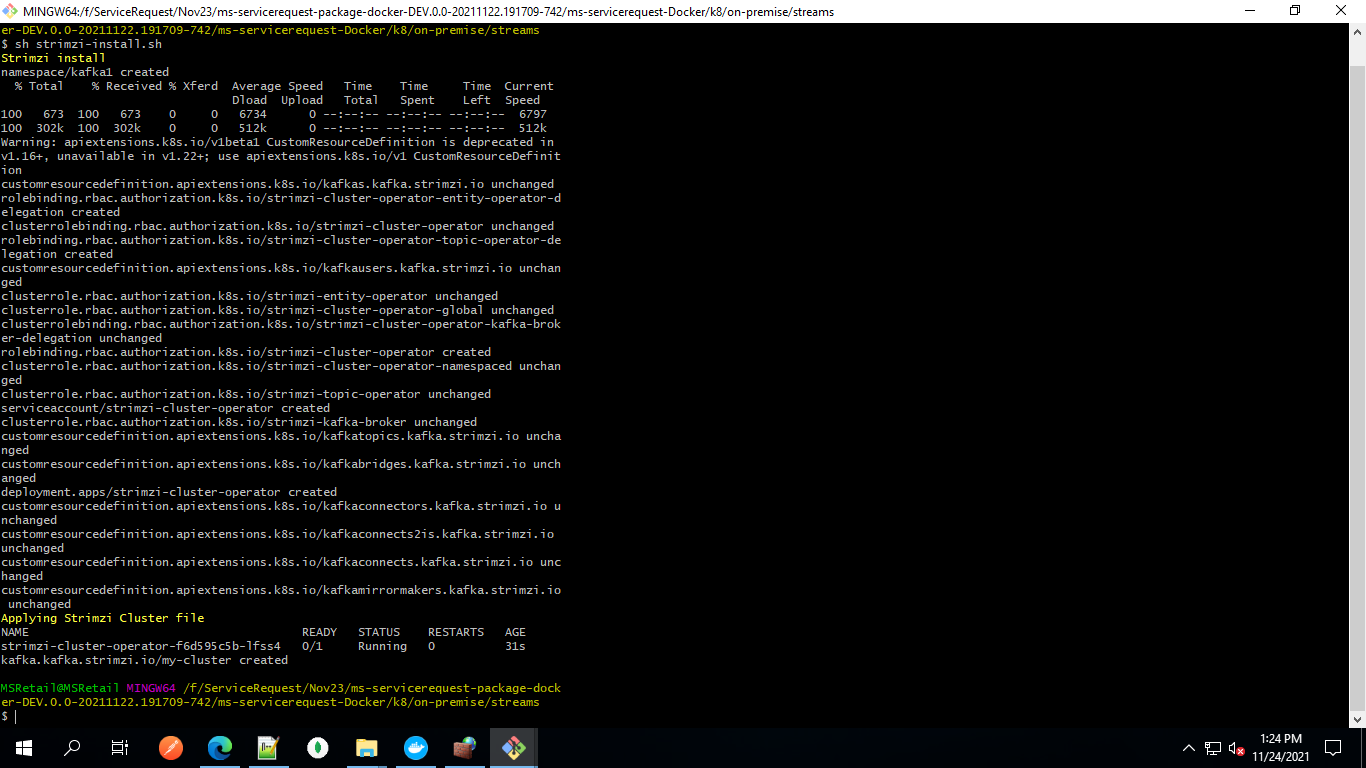
- Run the sh file and then execute sh strimzi-install.sh command.
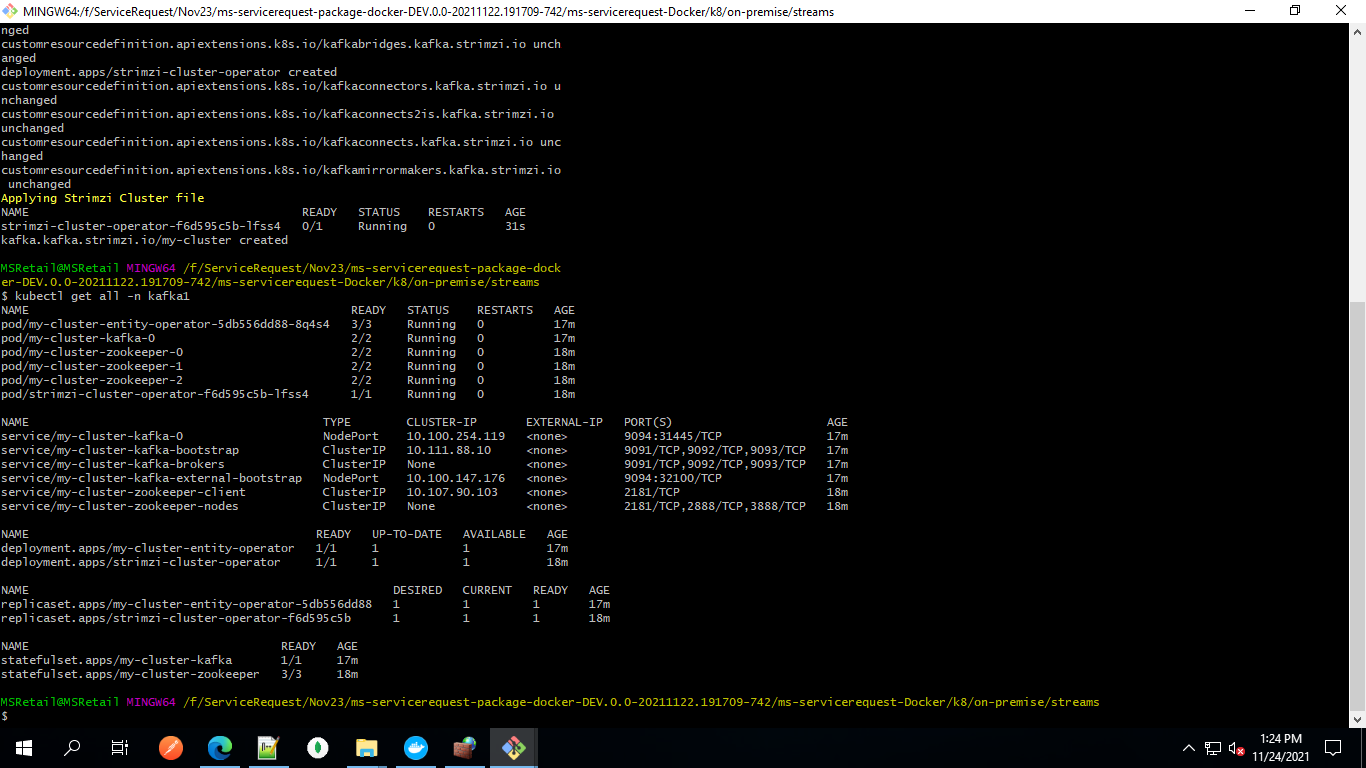
- Using kubectl get all -n kafka1 command, check the pods and statuses for the kafka1 namespace.
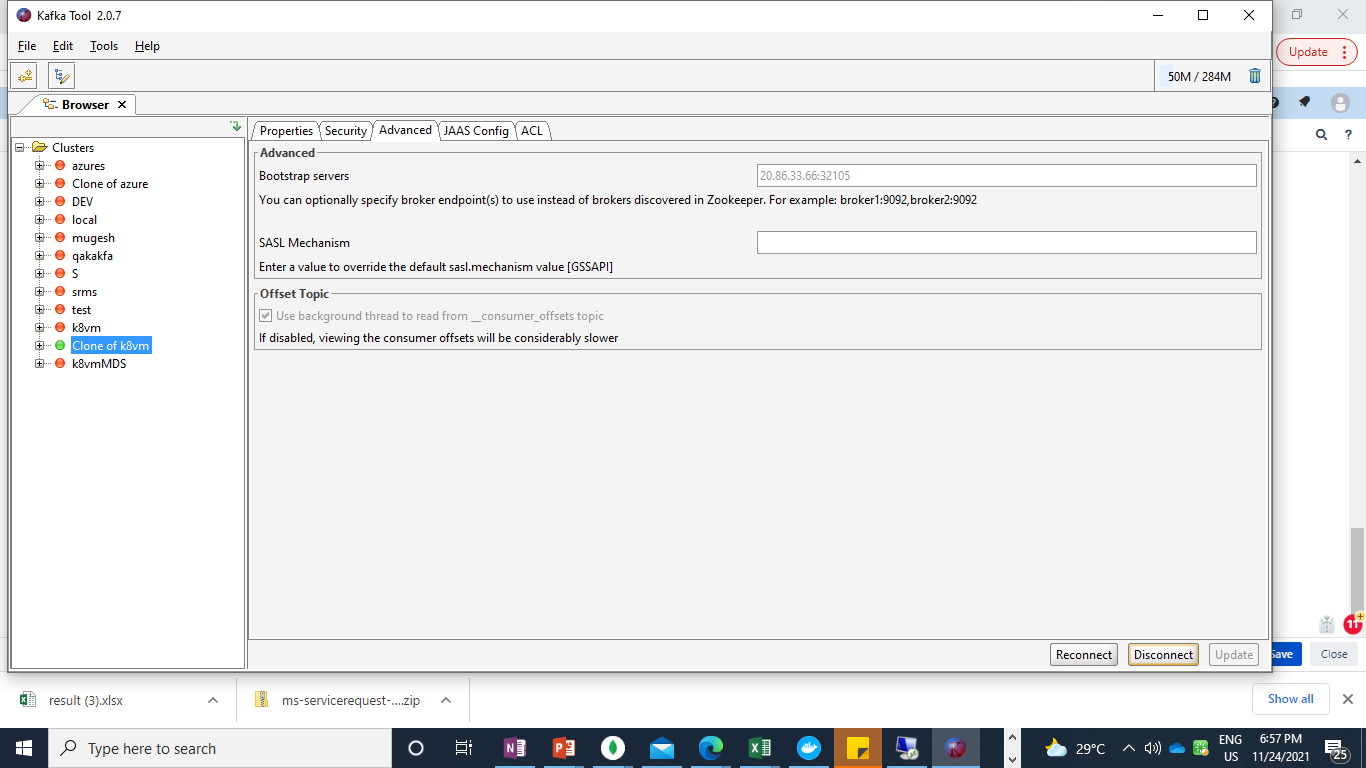
- Using the external IP with the nodePort value, access the kafka for production and consumption.
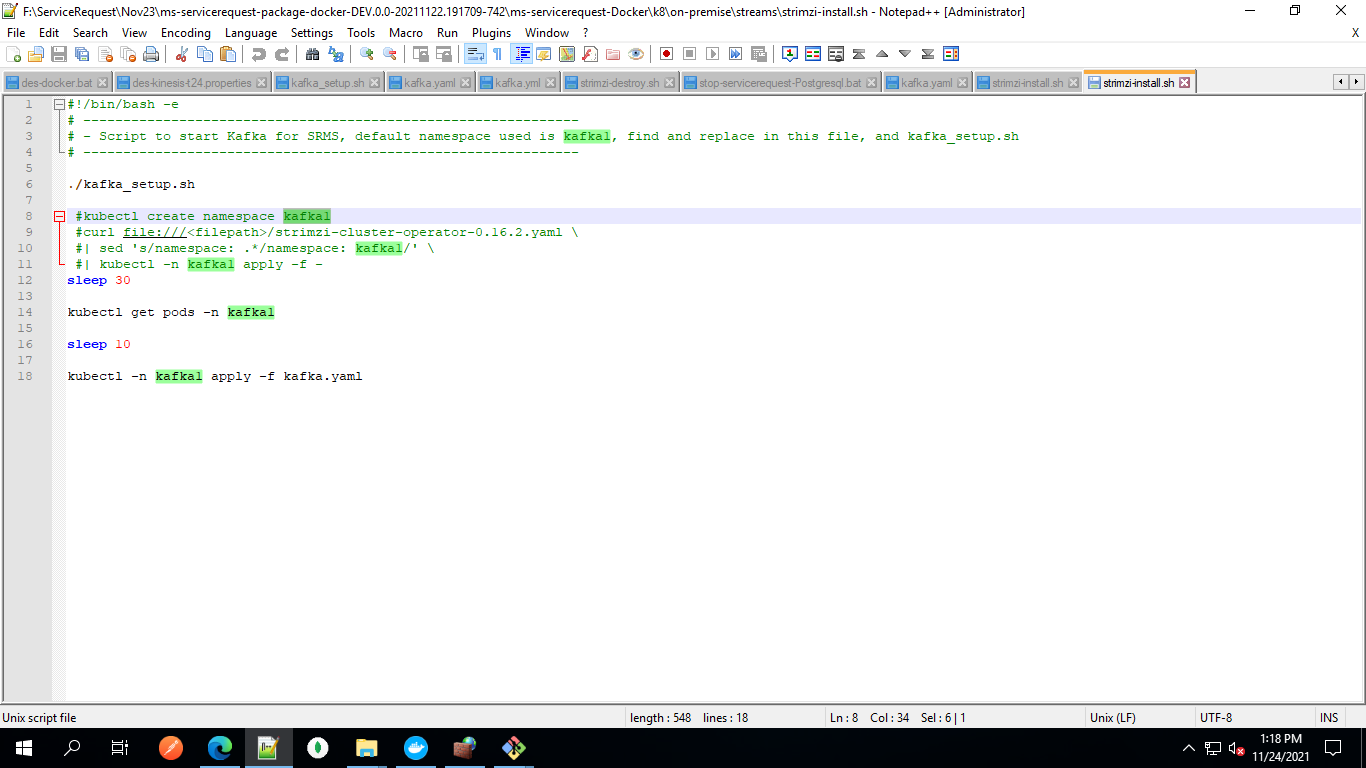
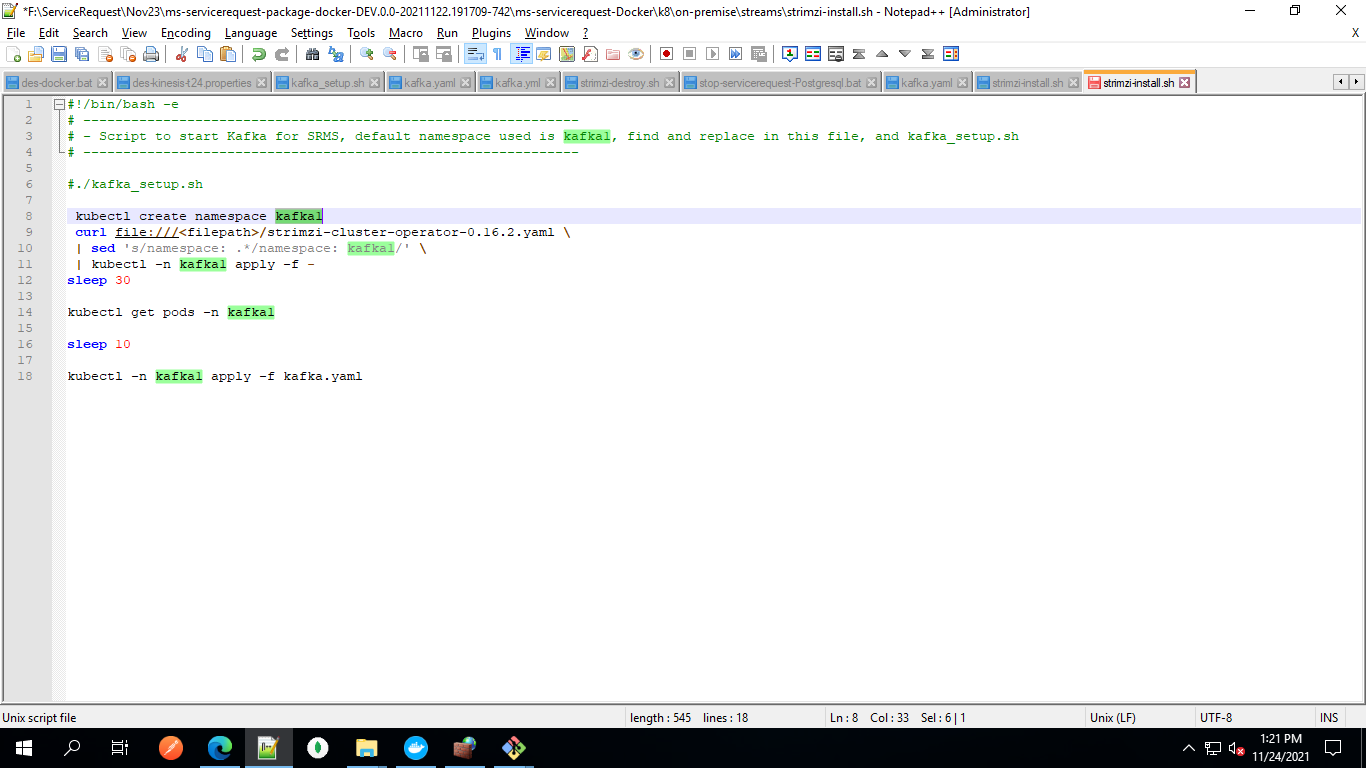
When using temenos network, the GitHub will be blocked. As a precaution, copy the file that is stored in the same GitHub location, and then comment ./kafka_setup.sh and uncomment lines 8-11.Also, replace the placeholder <filepath> with the actual file path.
Undeployment
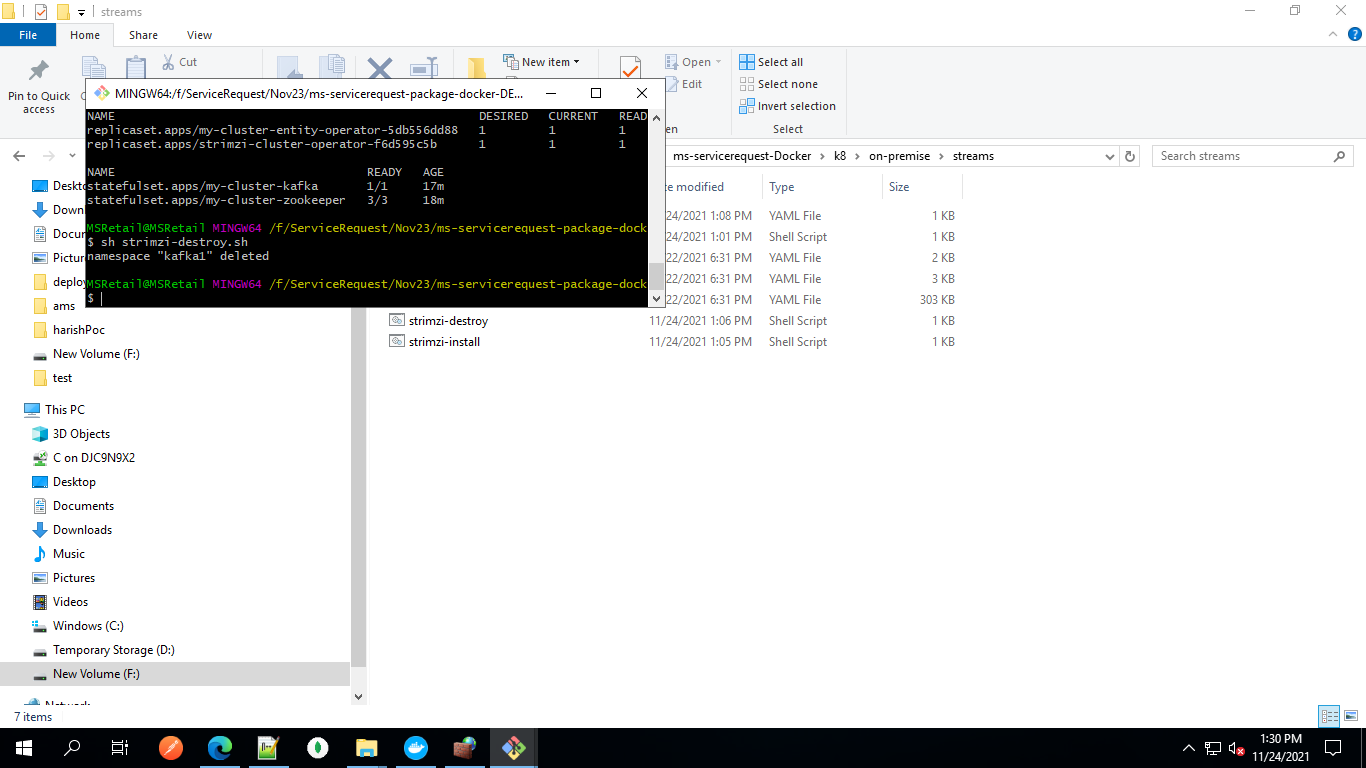
To undeploy Kafka instance, execute the kubectl delete ns kafka1 or strimzi-destroy.sh command by renaming the kafka1 namespace.
In this topic