Deploying Due Diligence Microservice on Kubernetes (K8)
This section explains how to deploy the Due Diligence Microservice on K8. To do so, you need to perform the following tasks:
Deployment of Due Diligence Microservice in Docker
To deploy of Due Diligence Microservice on K8, follow these steps:
- Extract the
ms-duediligence-package-docker-<release_number>.zipfile.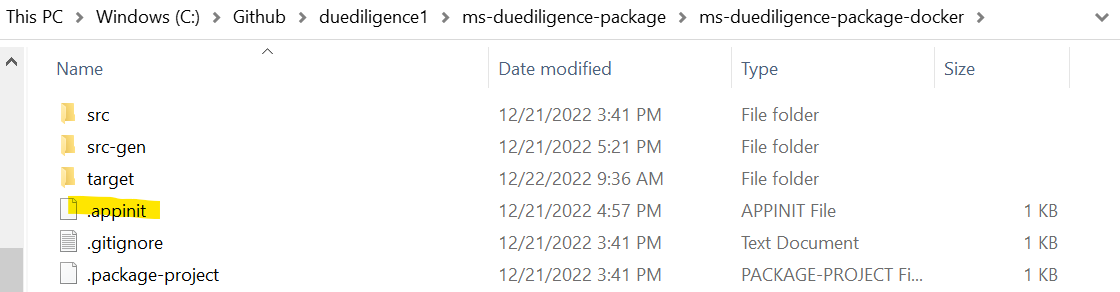
- The extracted package contains the configuration files. Go to k8/on-premise.
- Open the Command Prompt in an On-Premise folder.
- To check if pods are up and running, execute kubectl get pods -n kafka.

- To enable authorization and authentication, follow these steps:
- In addition to the API key, enable JWT Authentication in duediligence-configmap.yml.
- To enable security policies and access rights to the APIs, perform the XACML configurations in duediligence-configmap.yml.

If Strimzi is not installed in the machine, go to the Streams folder and run ./strimzi-install.sh.This is a one-time step and should be repeated if we reset our Kubernetes cluster.

Deployment of Due Diligence Microservice K8 Images
Memory Request / Memory Limit
Below are the List of Services with its Memory limit:
| Services | Memory Request | Memory Limit |
|---|---|---|
| API |
812M |
1G |
Follow the steps below to deploy the Duediligence Docker Helm package.
For MongoDB
To deploy Due Diligence Microservice on K8, follow these steps:
- Due Diligence Microservices for K8 deployment is available as single release bundle duediligence-helm-mongo-pack-<release_number>.zip to load the docker images and then deploy the service in Kubernetes cluster for MongoDB. Unzip the duediligence-helm-mongo-pack file, which contains the required images as the tar file.

- Navigate to the folder where the service, ingester, and database images are available.
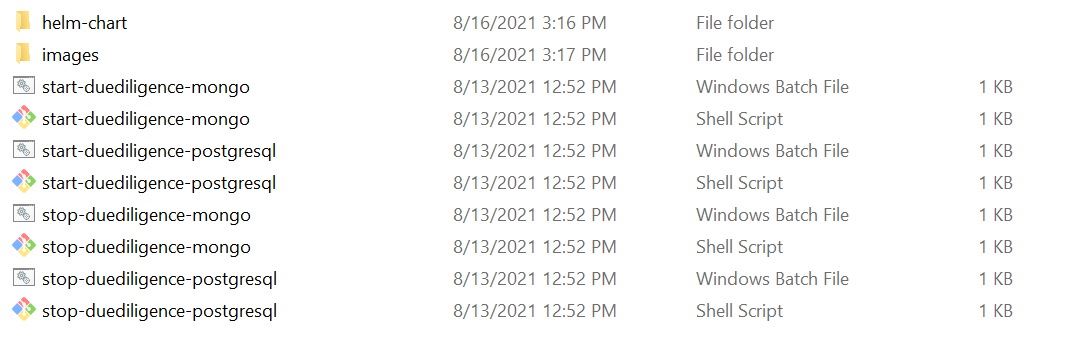
- Navigate inside the images folder.

- Open a command prompt and load the images on the docker using the command docker load --input <image-name>.
...\duediligence-helm-mongo-pack\duediligence\images> docker load --input ms-duediligence-dbscripts-202204.0.0.tar
Loaded image: temenos/ms-duediligence-dbscripts:202204.0.0
...\duediligence-helm-mongo-pack\duediligence\images> docker load --input ms-duediligence-service-202204.0.0.tar
Loaded image: temenos/ms-duediligence-service:202204.0.0
- Once all the images are loaded, navigate to the folder where the bat and sh files are available under the ms-duediligence-helm-mongo-pack folder.
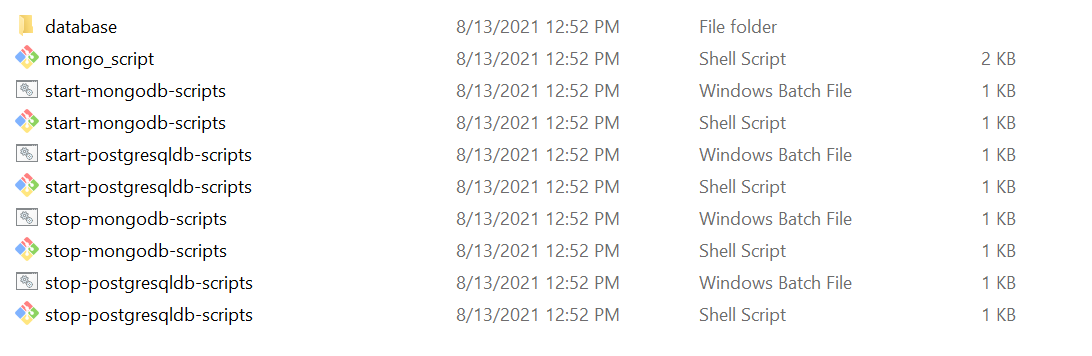
- Start the microservice, navigate to the folder where the bat and sh files are available under the ms-duediligence-helm-mongo-pack folder.
-
Script Description start-duediligence-mongo.bat / start-duediligence-mongo.sh To deploy all the necessary components for a microservice in order to run the microservice independently.
- For Windows:
start-duediligence-mongo.bat - For Linux:
start-duediligence-mongo.sh
- For Windows:
The structure of the URL of APIs is as follows.
Base Path: http://<IP_ADDRESS>:<PORT>/<context-root>/api/<version>/
For example: http://localhost:8000/ms-duediligence-api/api/v2.0.0/
The resource path of the endpoint is available in the swagger document of the respective APIs.
A sample endpoint of the Due Diligence could be http://localhost:8004/ms-duediligence-api/api/v2.0.0/party/parties/{partyId}/ownershipStructure.
Alternatively, you can obtain the microservice status through the Health Check API.
Undeployment
To stop and remove the existing container, execute the below command from the location where the duediligence docker is started.
For Windows : stop-duediligence-mongo.bat
For Linux : stop-duediligence-mongo.sh
For PostgreSQLDB
To deploy of Due Diligence Microservice on K8, follow these steps:
- Due Diligence Microservices for K8 deployment is available as single release bundle duediligence-helm-postgresql-pack-<release_number>.zip to load the docker images and then deploy the service in Kubernetes cluster for PostgreSQLDB. Unzip duediligence-helm-postgresql-packwhich contains the required images as the tar file.

- Navigate into the folder where the service, ingester and database images are available.
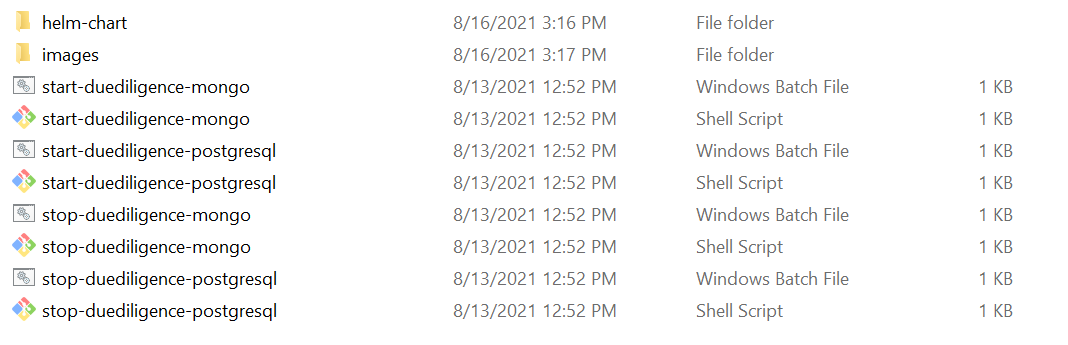
- Navigate inside the images folder.
- Open a command prompt and load the images on the docker using the command docker load --input <image-name>.
...\duediligence-helm-mongo-pack\duediligence\images> docker load --input ms-duediligence-dbscripts-202204.0.0.tar
Loaded image: temenos/ms-duediligence-dbscripts:202204.0.0
...\duediligence-helm-mongo-pack\duediligence\images> docker load --input ms-duediligence-service-202204.0.0.tar
Loaded image: temenos/ms-duediligence-service:202204.0.0
- Once all the images are loaded, navigate to the folder where the bat and sh files are available under the duediligence-helm-postgresql-pack folder.
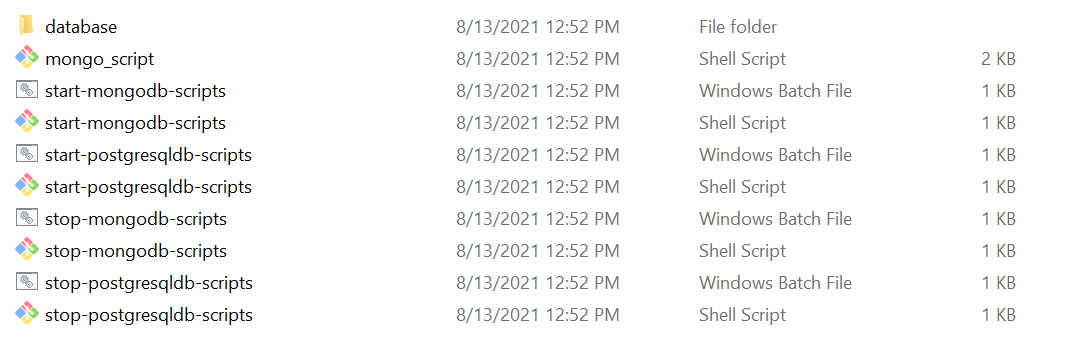
- Start the Microservice, navigate to the folder where the bat and sh files are available under the ms-duediligence-helm-pack-postgresql folder.
- For Windows:
start-duediligence-postgresql.bat - For Linux:
start-duediligence-postgresql.sh - Once the Duediligence Microservice is up and running on K8 , check the API's in the package.
| Script | Description |
|---|---|
| start-duediligence-postgresql.bat / start-duediligence-postgresql.sh |
To deploy all the necessary components for a Microservice in order to run the Microservice independently. |
The structure of the URL of APIs is as follows:
Base Path: http://<IP_ADDRESS>:<PORT>/<context-root>/api/<version>/
For example: http://localhost:8000/ms-duediligence-api/api/v2.0.0/
The resource path of the endpoint is available in the swagger document of the respective APIs.
A sample endpoint of the Due Diligence could be http://localhost:8004/ms-duediligence-api/api/v2.0.0/party/parties/{partyId}/ownershipStructure.
Alternatively, you can obtain the microservice status through the Health Check API.
Undeployment
To stop and remove the existing container, execute the below command from the location where the duediligence docker is started.
For Windows : stop-duediligence-mongo.bat
For Linux : stop-duediligence-mongo.sh
In this topic