Microservices
Updated On 27 May 2024 |
Min(s) read
Configuration
The process for ingestion is as follows.
Prerequisites
The following components must be up and running:
- Party Microservice: Ingester topic must be pre-configured. For more information, refer to the Deployment Guide.
- Data Event Stream (DES)
- Transact
The order of ingestion must be as follows:
- CUSTOMER
- PARTY.RELATIONSHIP
- CUSTOMER.REL.GROUP
- CUSTOMER.GROUP
- EB.LOOKUP
- DE.ADDRESS
To implement ingestion, follow these steps:
- Create a record in the RR.PARAM application for FXXX.CUSTOMER, FXXX.CUSTOMER.GROUP, FXXX.CUSTOMER.REL.GROUP, and FXXX.PARTY.RELATIONSHIP applications with ILP.REQUIRED set to YES.
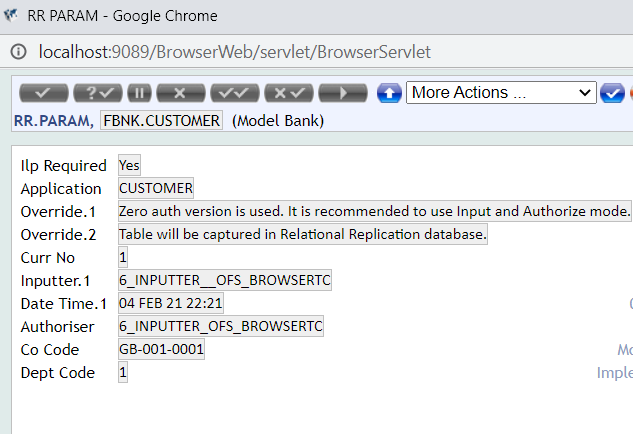
- After the successful commit, the schema registry in DES is updated with CUSTOMER, CUSTOMER.GROUP, CUSTOMER.REL.GROUP, and PARTY.RELATIONSHIP schemas.
Schema Registry - localhost:8081/subjects
["DesInstallEvent","CATEG_ENTRY","SECTOR","CUSTOMER","CUSTOMER_GROUP", "DataEventIdEot","AA_PRODUCT","AA_PRODUCT_LINE","AA_PRODUCT_GROUP","DataEvent","STMT_ENTRY","RE_CONSOL_SPEC_ENTRY","SchemaInfoEvent","DataEventIdRecovery"]
- Start the TSM and BNK/RR.TAKEON services in T24.
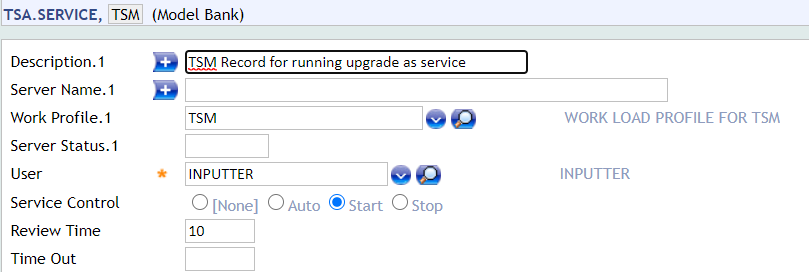
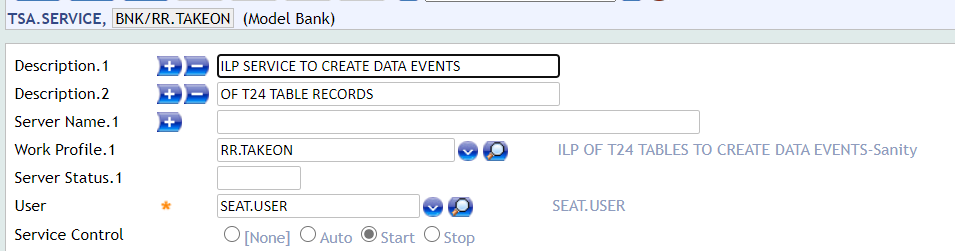
- Launch the TSM tRun START.TSM –DEBUG.
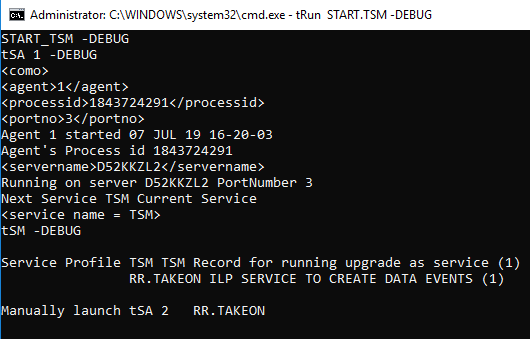
- Launch the agent allocated for the BNK/RR.TAKEON service by using the commane tRun tSA <AgentNumber>.
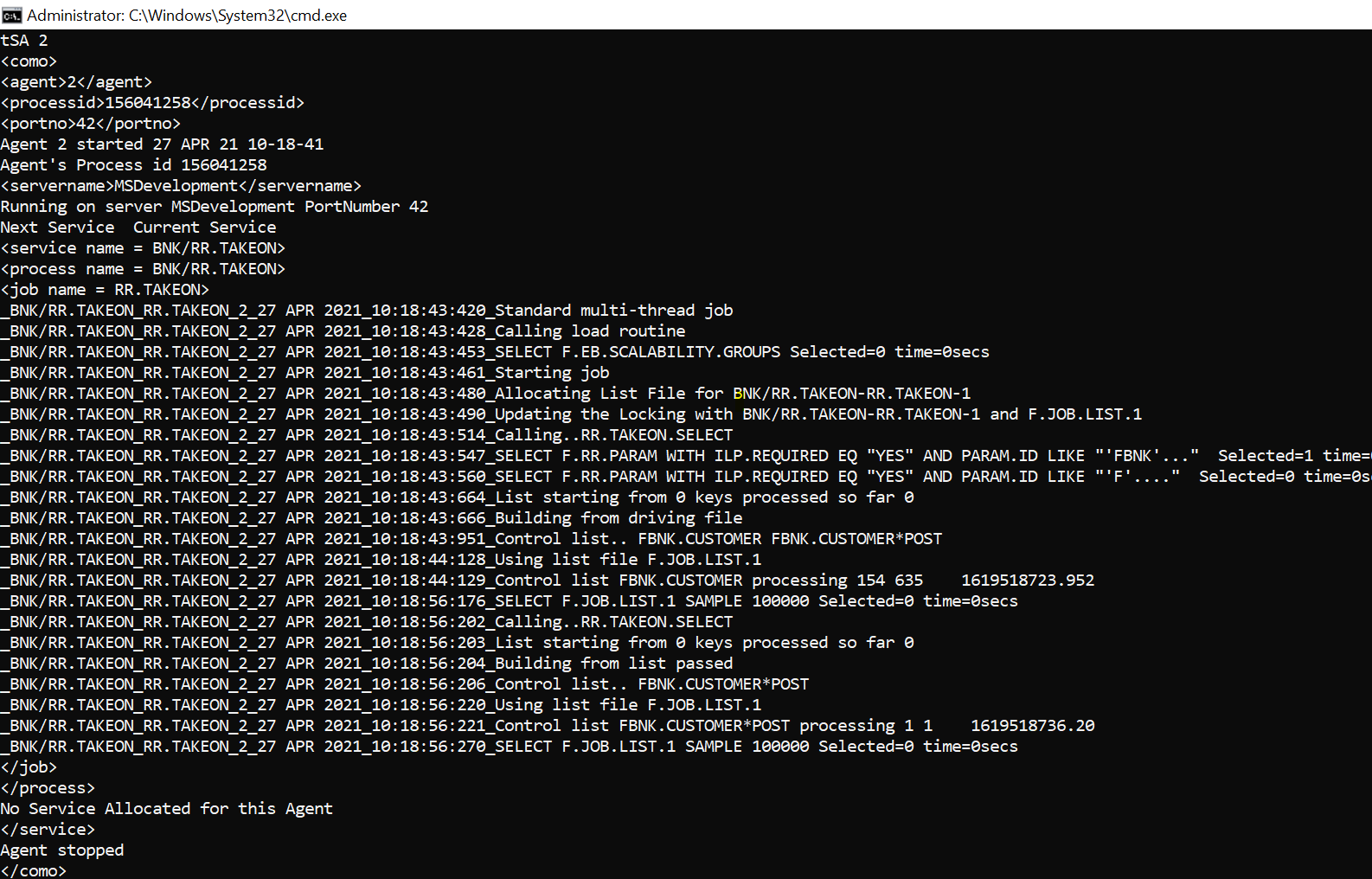
- After the completion of the service, the CUSTOMER, CUSTOMER.GROUP, CUSTOMER.REL.GROUP, EB.LOOKUP, DE.ADDRESS and the published PARTY.RELATIONSHIP records are loaded into the Party Microservice.
Reconcillation
- To verify the records ingested into Party MS tables is in reconcillation with records present in Transact, execute the command <Application_name> L L in Transact.
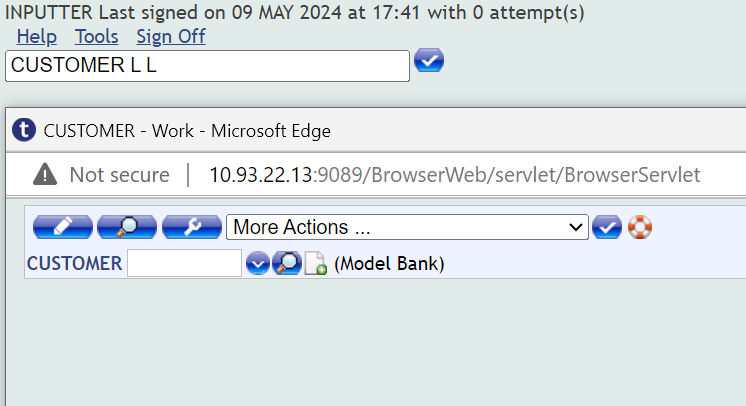
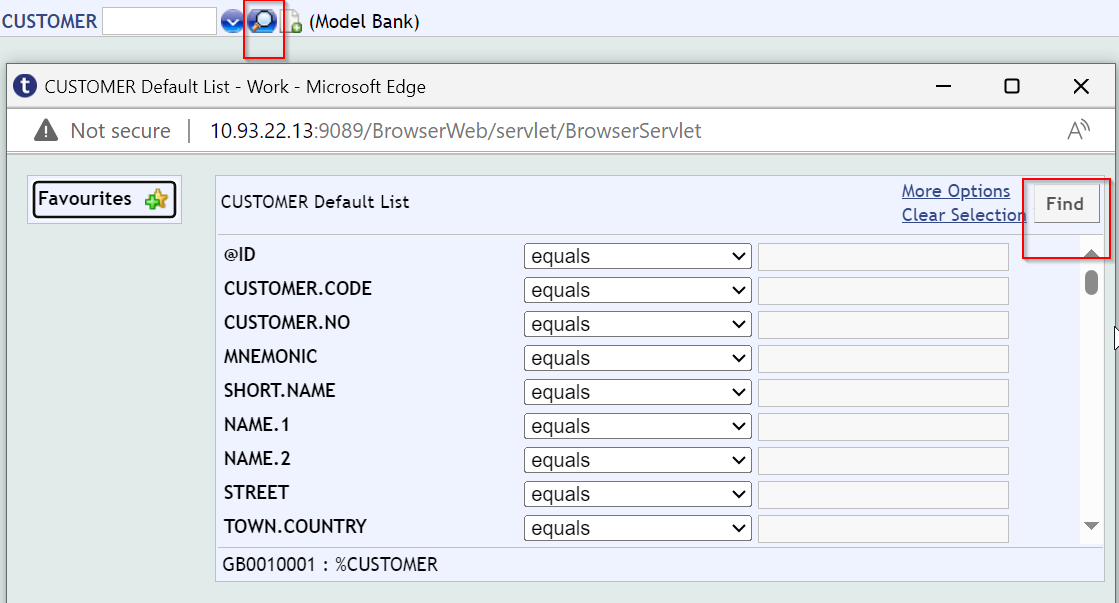
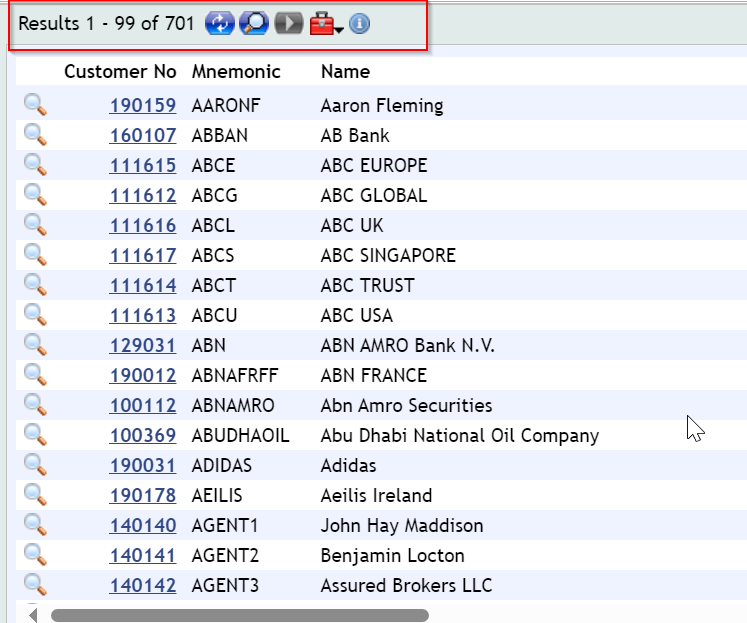
- To retrieve the records, use Search option or Find option. Transact will retrieve all the records in the application.
- To identify the number of records in each Party MS table, execute the query select count(*) from <table_name>;.
-
The following tables show the number of records in Transact for each application corresponding to the Party MS and the number of records in the corresponding tables of the Party MS database.
Transact Application Number of records in Transact Party microservice Table to Verify Number of records in Database CUSTOMER 701 ms_party_party 701 DE.ADDRESS 2307 ms_party_addresses 2307 EB.LOOKUP 316 ms_party_employmenttype ms_party_employmenttype - 26 ms_party_partyidentifiertype ms_party_partyidentifiertype - 174 ms_party_reference ms_party_reference - 105 ms_party_addresstype ms_party_addresstype - 11 CUSTOMER.REL.GROUP 22 ms_party_partygroups ms_party_partygroups - 22 ms_party_groupidentifiers ms_party_groupidentifiers - 10 (Number of records in table depends on if the respective group has LEGAL.ID and LEGAL.DOC.NAME in Transact) CUSTOMER.GROUP 19 ms_party_groupmembers ms_party_groupmembers - 41 (Number of records in table depends on number of CUSTOMER.ID present under PARTY.TYPE in Transact) ms_party_relatedmembers ms_party_relatedmembers - 45 (Number of records in table depends on relationships exists between CUSTOMER.ID and REL.PARTY.ID present under PARTY.TYPE in Transact) PARTY.RELATIONSHIP 11 ms_party_partyrelationship 11
In this topic