Installing Microservices by Enabling Authentication and Authorisation Service
This section helps you to install the microservice in azure by enabling the authentication and authorisation Service.
Procedure:
- Create the CONFIG_SERVICE_HOME directory.
- Extract the ms-genericconfig-package-azure-<release>.zip release bundle to the CONFIG_SERVICE_HOME directory.
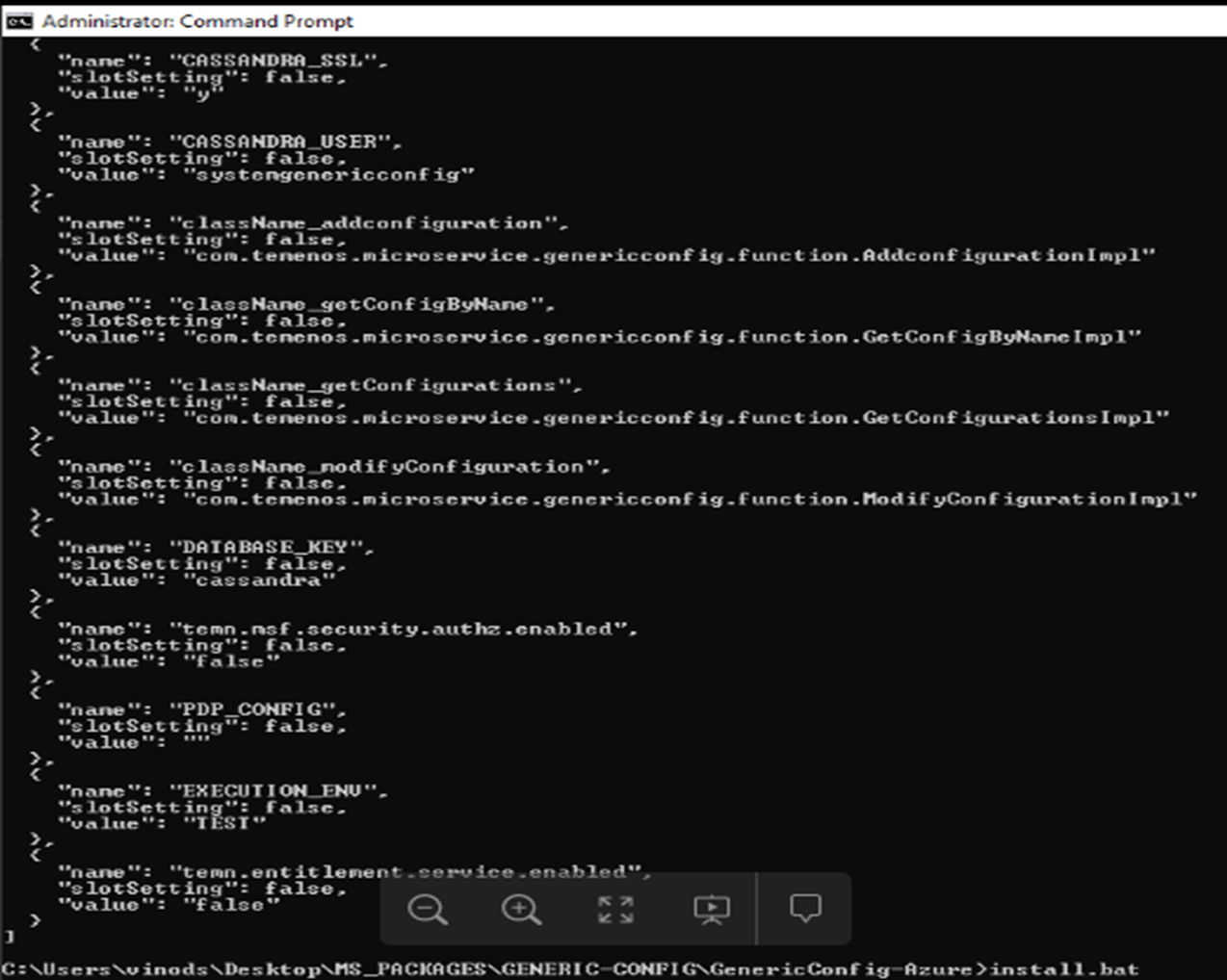
- To make the microservice up and running, execute the following command to create images and docker container for that image.
- Windows - Install.bat
- Linux - Install.sh
Verification of Generic Config Microservice
You can verify the get configuration by name API.
|
URI |
/system/configurationGroups/{groupId}/configuration/{configName} |
|
Method |
GET |
|
Sample-URL |
https://genericconfigapp.azurewebsites.net/api/v1.0.0/system/configurationGroups/SECURITY.POLICY/configuration/default |
|
Sample-Response |
[{
	"message": "Configuration file does not exists:",
	"code": "404"
}]
|
You can verify the get all configuration by name API.
|
URI |
/system/configurationGroups/{groupId}/configuration |
|
Method |
GET |
|
Sample-URL |
https://genericconfigapp.azurewebsites.net/api/v1.0.0/system/configurationGroups/SECURITY.POLICY/configuration |
|
Sample-Response |
[{
	"message": "Configuration file does not exists:",
	"code": "404"
}]
|
To stop and remove the existing container, execute the following command.
- Windows - Destroy.bat
- Linux - Destroy.sh
Import Policy into Configuration Server
- Value of {groupId} path parameter should be always SECURITY.POLICY
- Value of {configName} path parameter should be policy ID
- Value of id field should be policy ID
- Value of data field should be Base64 encoded
Policy files are available under the HOLDINGS_SERVICE_HOME directory.
To add a policy file into generic-config database, you should use the following described API.
|
URI |
/system/configurationGroups/{groupId}/configuration/{configName} |
|
Method |
POST |
|
Sample-URL |
https://genericconfigapp.azurewebsites.net/api/v1.0.0/system/configurationGroups/SECURITY.POLICY/configuration/BalanceViewer |
|
Sample-Request |
{
	"id": "BalanceViewer",
	"name": "BalanceViewer policy file",
	"version": "1.0.0",
	"configData": {
		"data": "PD94bWwgdmVyc2lvbj0i",
		"configType": "xml"
	}
}
|
|
Sample-Response |
{
	"id": "BalanceViewer",
	"name": "BalanceViewer policy file",
	"version": "1.0.0"
}
|
To modify a policy file available in generic-config database, you should use the following described API.
|
URI |
/system/configurationGroups/{groupId}/configuration/{configName} |
|
Method |
PUT |
|
Sample-URL |
https://genericconfigapp.azurewebsites.net/api/v1.0.0/system/configurationGroups/SECURITY.POLICY/configuration/BalanceViewer |
|
Sample-Request |
{
	"version": "1.0.0",
	"configData": {
		"data": "PD94bWwgdmVyc2lvbj0i",
		"configType": "xml"
	}
}
|
|
Sample-Response |
{
	"id": "BalanceViewer",
	"name": "BalanceViewer policy file",
	"version": "1.0.0"
}
|
In this topic