Enabling Deep Links for Transact Explorer
Deep linking is a powerful feature that enhances user experience by allowing direct navigation to specific content within an application. Transact Explorer supports deep linking, enabling the other applications to launch it with predefined URLs and query parameters.
It is up to the client to construct the necessary URL-encoded command line links and to ensure that any custom authentication filter passes through the query string.
| Command Line | Encoded Command Line |
|---|---|
| CUSTOMER,INPUT I 100100 | http://<host:port>/transact-explorer-wa/#/login?CUSTOMER,INPUT I 100100 |
| COS CUSTOMER.OVERVIEW.SME | http://<host:port>/transact-explorer-wa/#/login?COS CUSTOMER.OVERVIEW.SME |
| ENQ CUSTOMER @ID EQ 100100 @ID EQ 100336 |
http://<host:port>/transact-explorer-wa/#/login?ENQ CUSTOMER @ID EQ 100100 @ID EQ 100336 |
| SECTOR I 1235 DESCRIPTION:1=TESTING1 DESCRIPTION:2=TESTING2 SHORT.NAME=TEDDY |
http://<host:port>/transact-explorer-wa/#/login?method=POST&command=t24commandapi&t24command=SECTOR I 1235 DESCRIPTION:1=TESTING1 DESCRIPTION:2=TESTING2 SHORT.NAME=TEDDY |
| COS TREASURY.BACK.HP | http://<host:port>/transact-explorer-wa/#/login?COS TREASURY.BACK.HP |
 Example 1
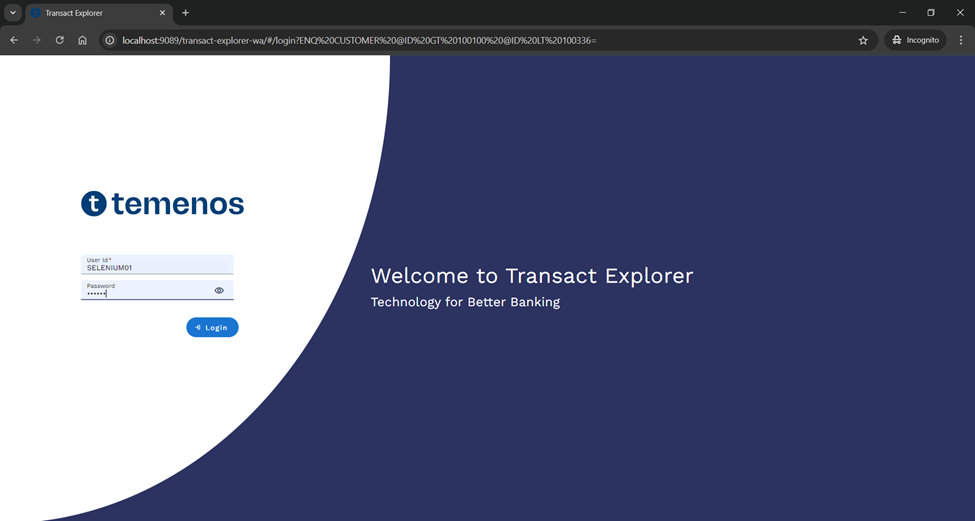
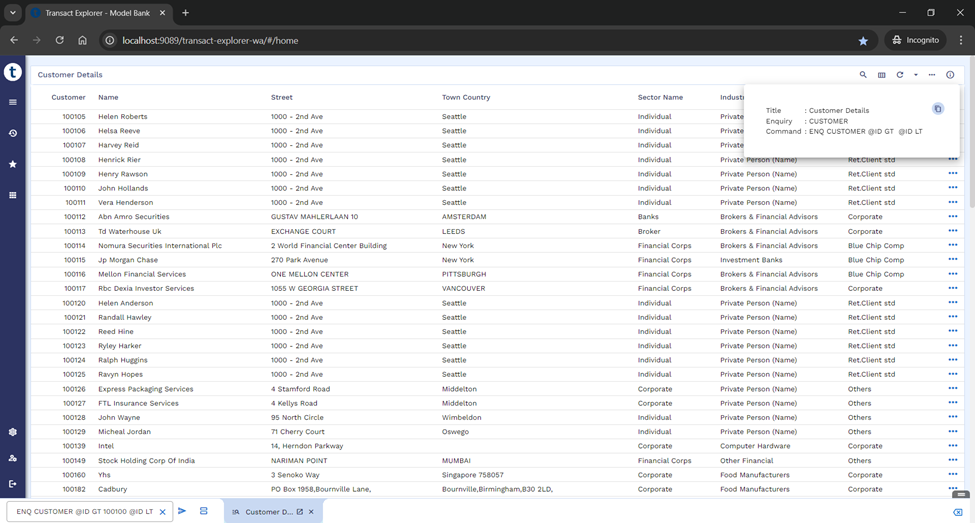
Below is an example for launching the CUSTOMER enquiry records screen in TE.
- Launch TE URL in the Browser (http://<host:port>/transact-explorer-wa/#/login?ENQ CUSTOMER @ID EQ 100100 @ID EQ 100336)
- Verify if the CUSTOMER enquiry records screen is launched in TE without landing on the home page specified selection criteria.
Example 2
Transact Explorer supports deep link URL formation with the below parameters as well similar to legacy browser.
The common browser parameters used:
- Method: POST. This parameter is consistent across all deep link URLs.
- Command: t24command. This parameter is uniform across all deep link URLs.
- t24command: This parameter specifies the command that directs the user to specific content within the application.
To support these parameters in TE, we have enabled the same query parameters with modifications to the base URL.
Below example shows that the Transact Explorer supports deep link through a command-line URL. Transact Explorer (TE) has the functionality to modify the base URL, enabling the existing URLs to work seamlessly in TE.
Launch TE URL in the Browser (http://<host:port>/transact-explorer-wa/#/home?method=POST&command=t24commandapi&t24command=SECTOR I 1235 DESCRIPTION:1=TESTING1 DESCRIPTION:2=TESTING2 SHORT.NAME=TEDDY)
This directs you to SECTOR I 1234, where DESCRIPTION:1 is set to TESTING1, DESCRIPTION:2 is set to TESTING2, and SHORT.NAME is set to TEDDY.
Sharing Links to Others
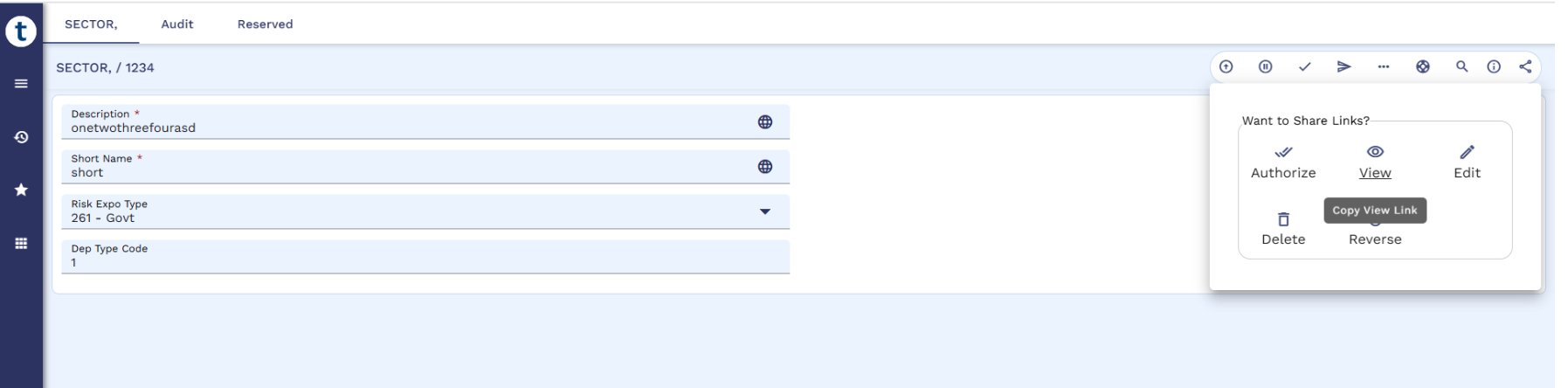
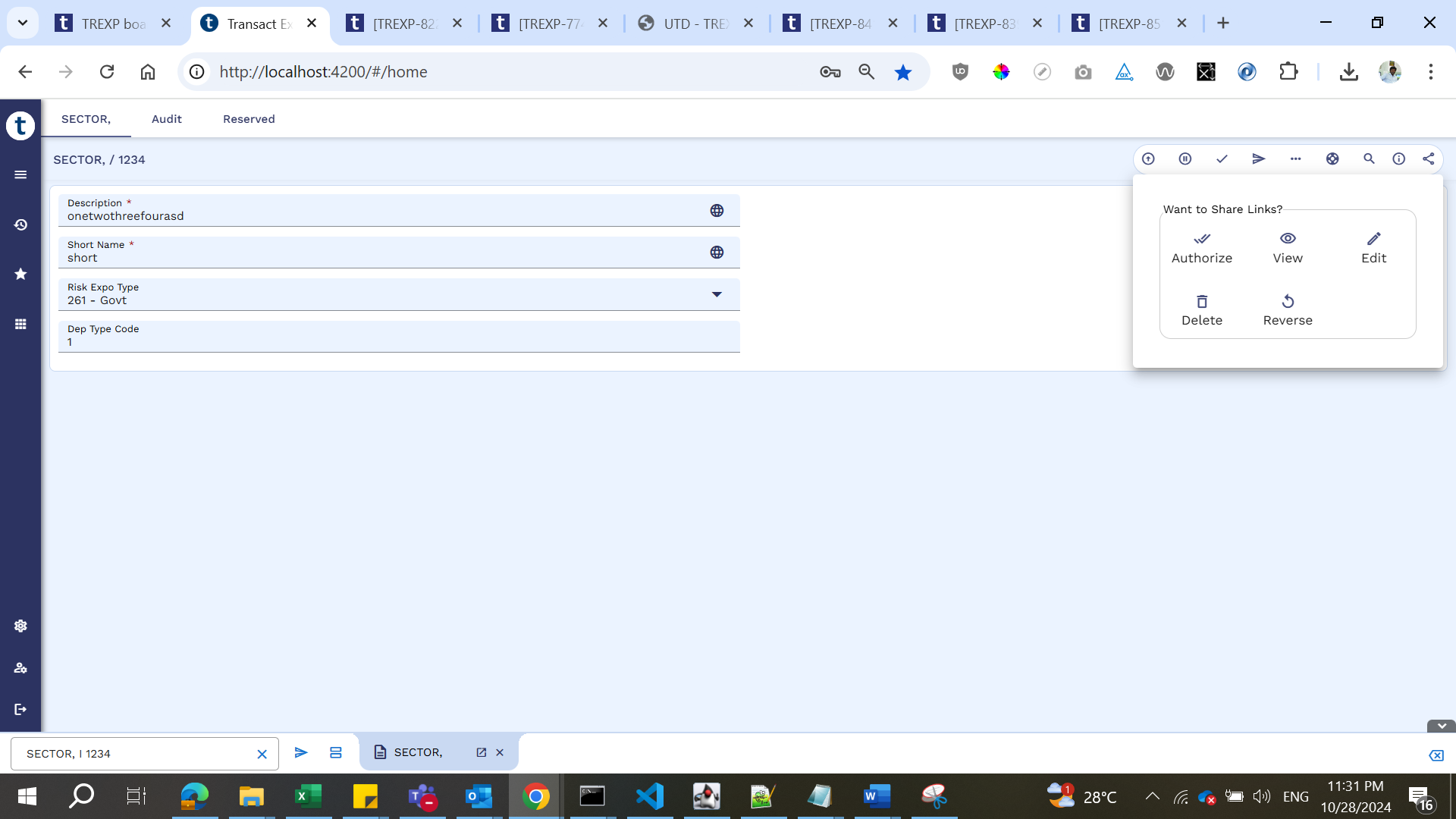
'Share links to others' helps the users to copy the links in any screen (enquiry or composite) and share them with others to view the same screen. The user can copy the most common and important links (like View, Edit, Authorize, Delete, or Reverse) required for a record in an application. The user can create a record and share links with other users as shown in the below screenshots.
 Example 1
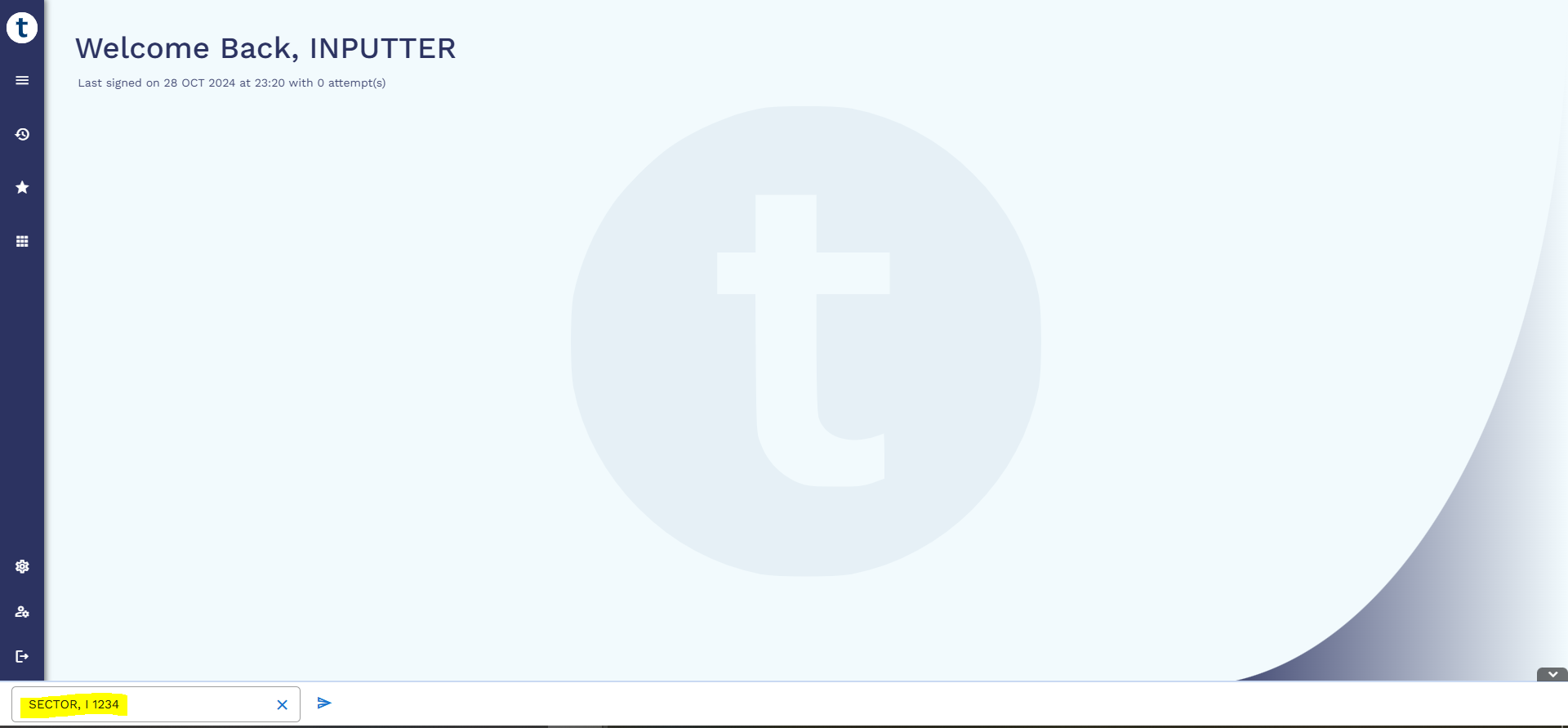
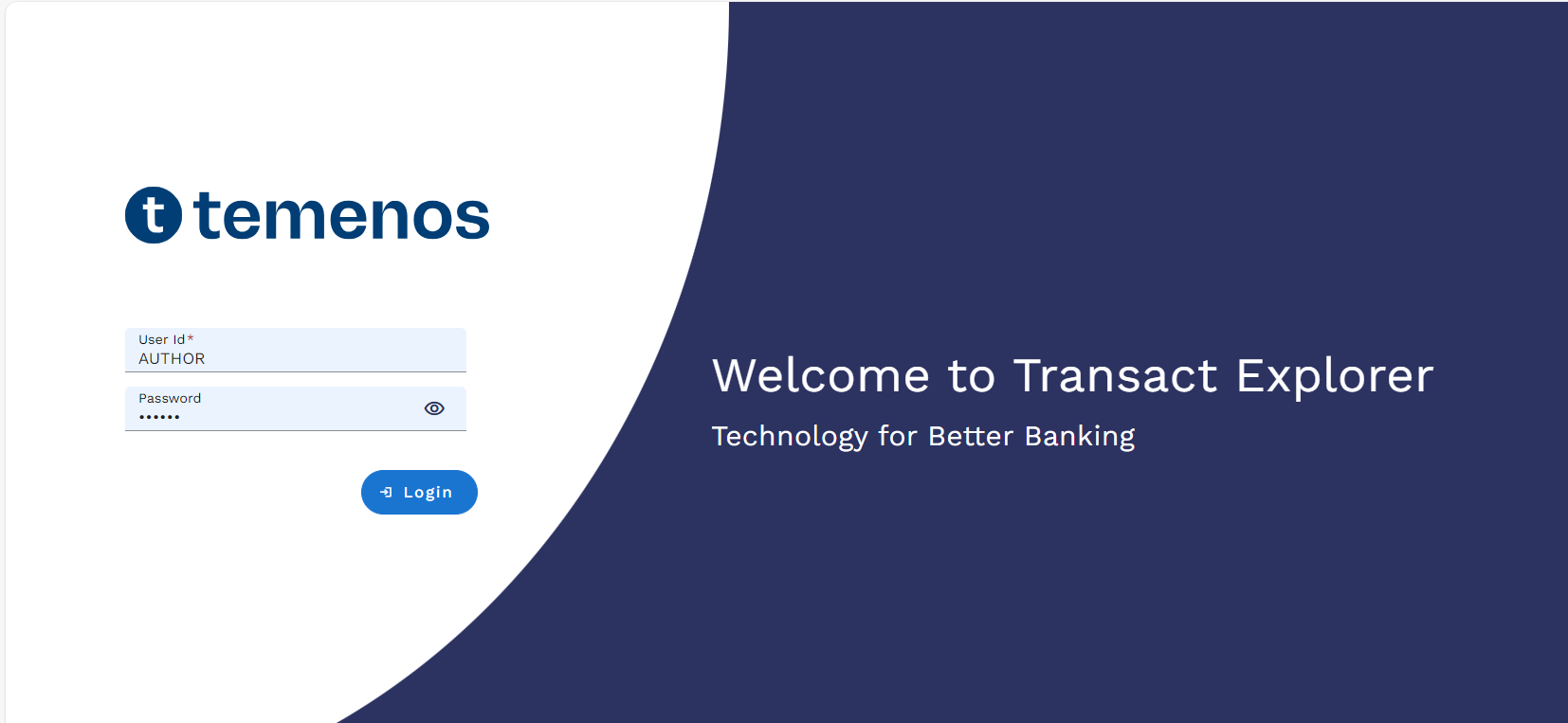
- Launch Transact Explorer and login with valid credentials.
- Enter ‘SECTOR, I 141’ in the command line , or any other application with the record.
- The user can click the
 icon that displays the below options,
- Authorise
- View
- Edit
- Delete
- Reverse
- Click Copy View Link to copy link to the clipboard that accounts to the respective function of the record.
- Launch another browser and paste the copied link and hit enter.
- Login with a different user now or even with the same user.
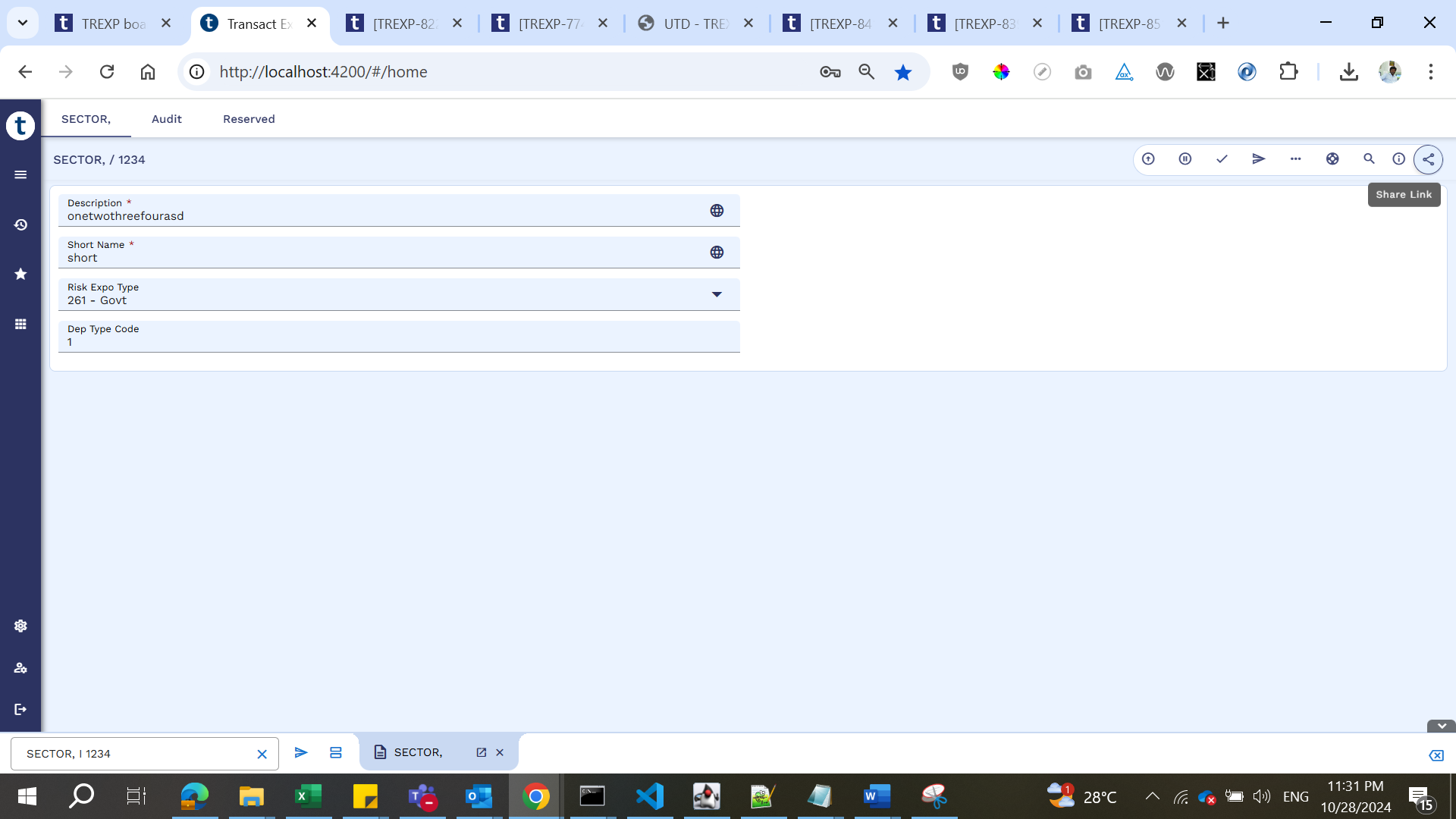
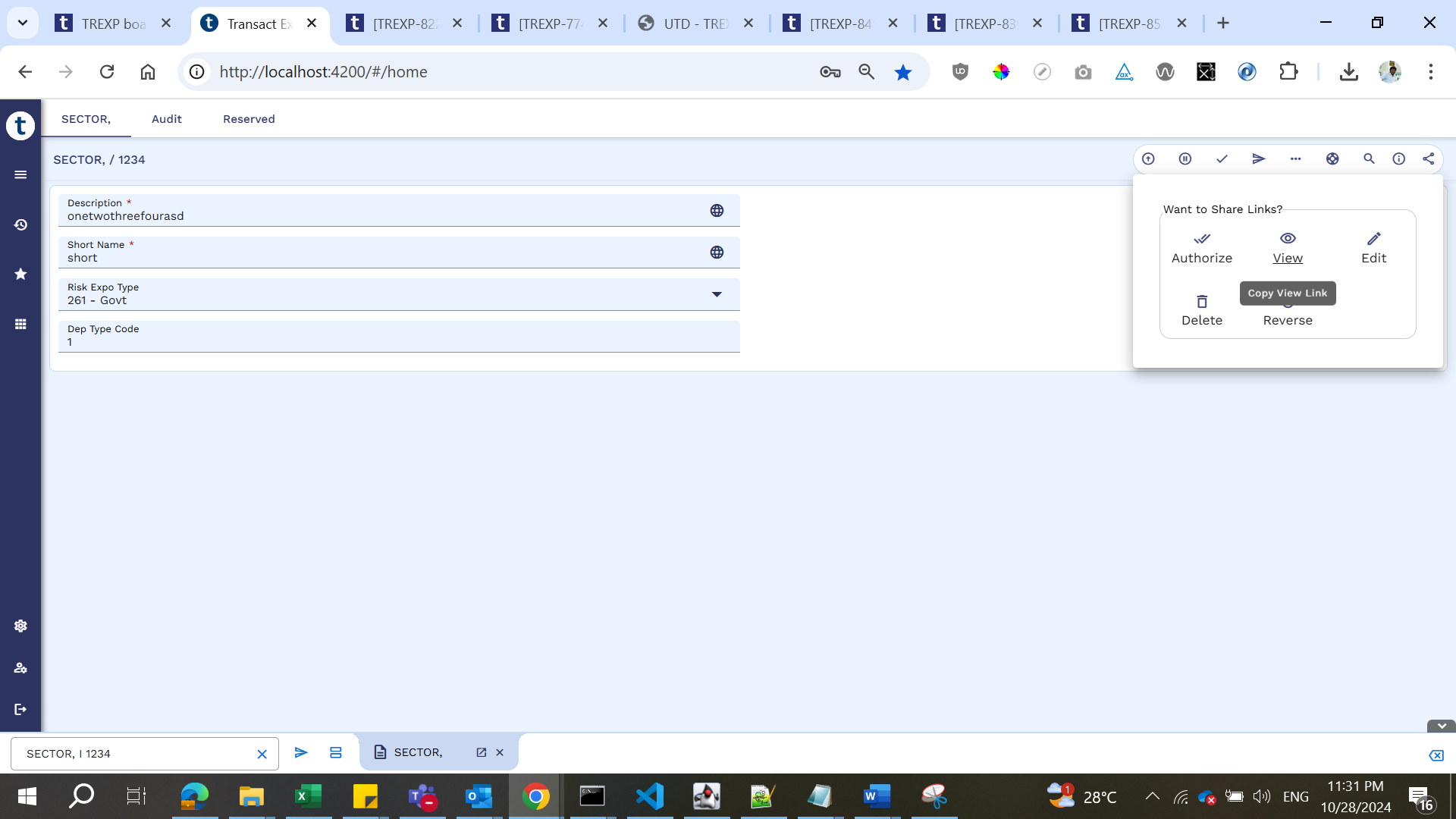
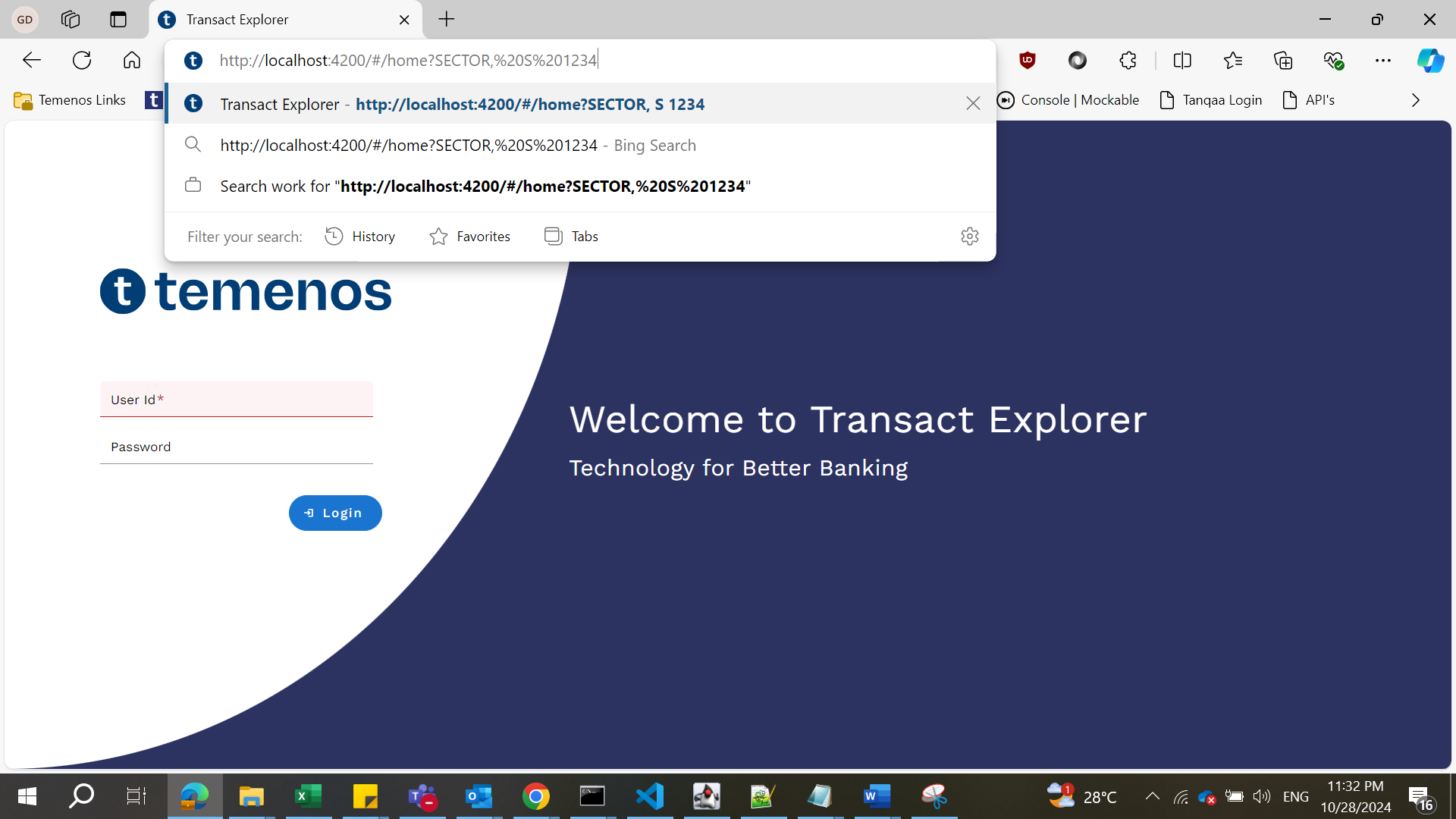
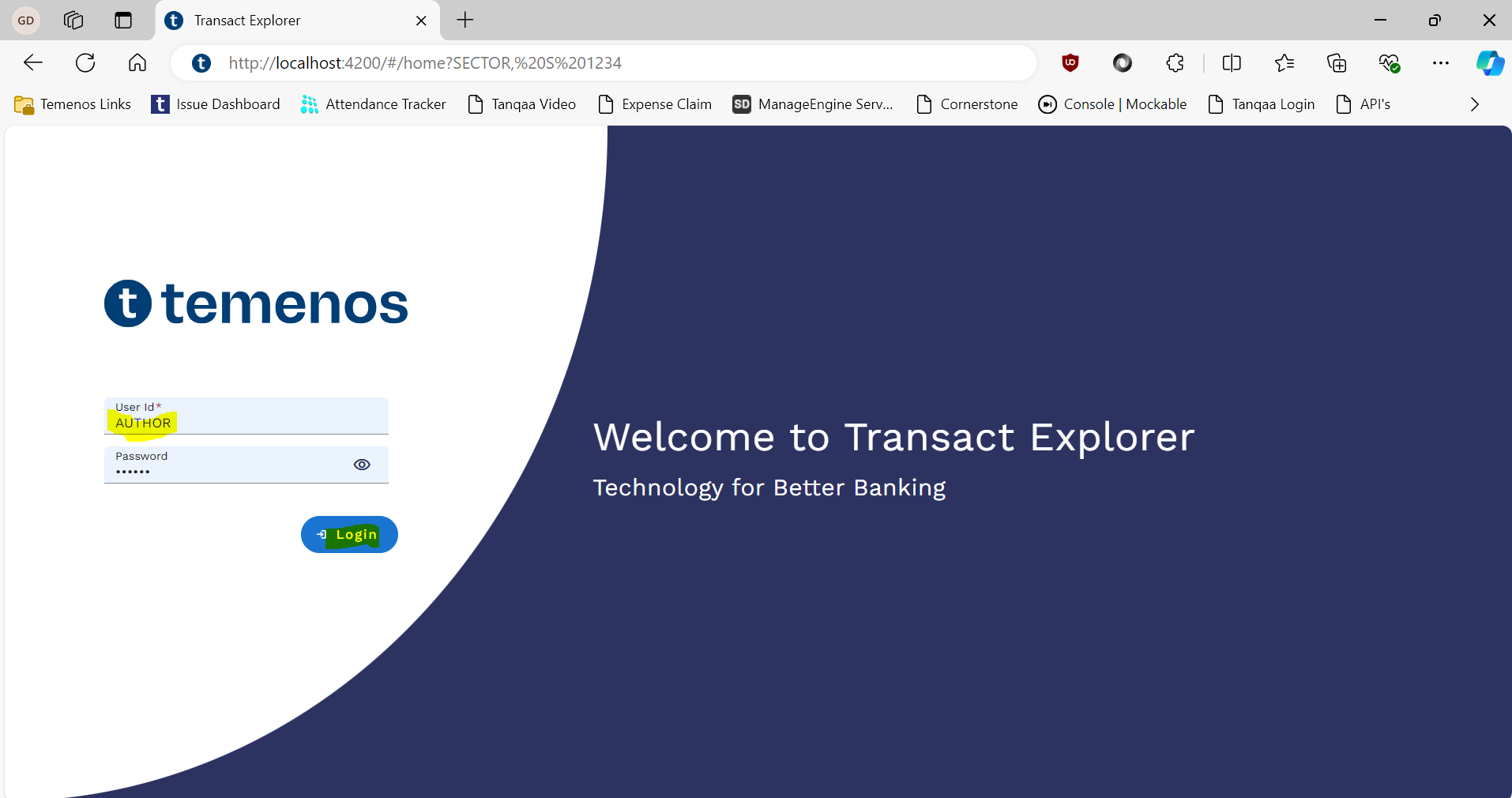
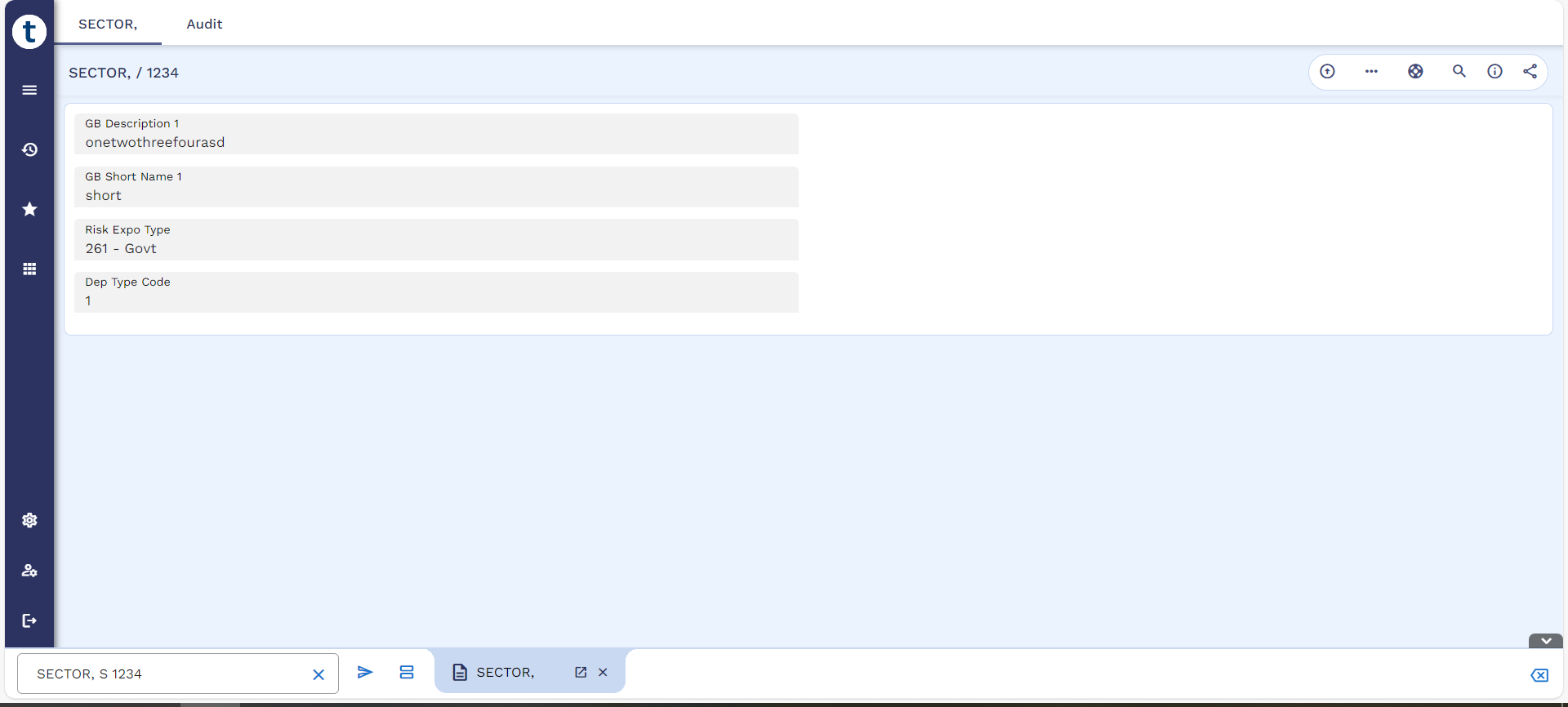
The user can view the SECTOR record by default, that simulates the 'SECTOR, S 141' command with the help of the deep-link feature.
Example 2
- Launch Transact Explorer and login with valid credentials.
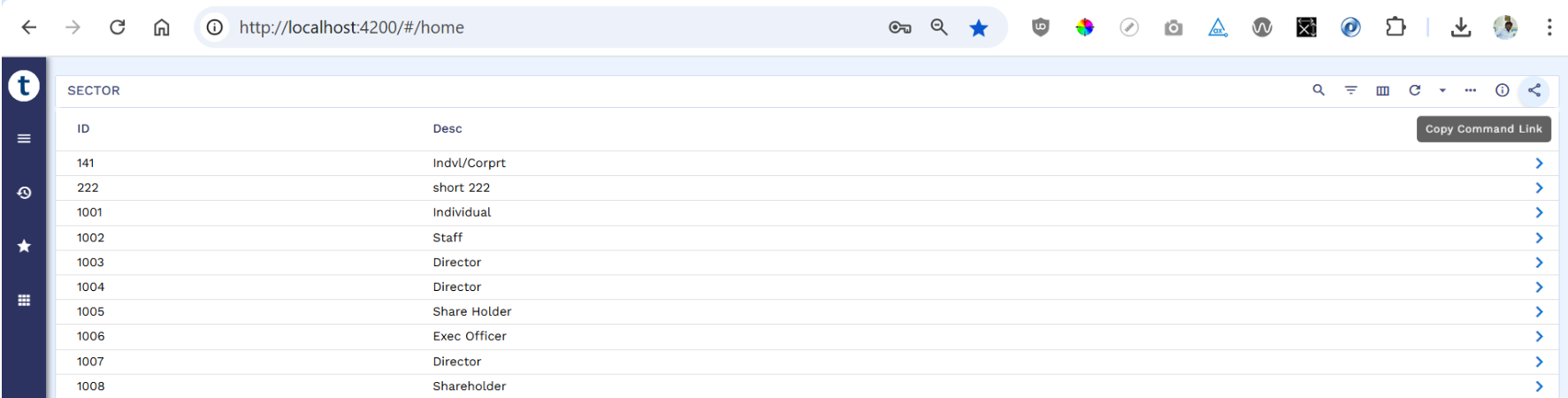
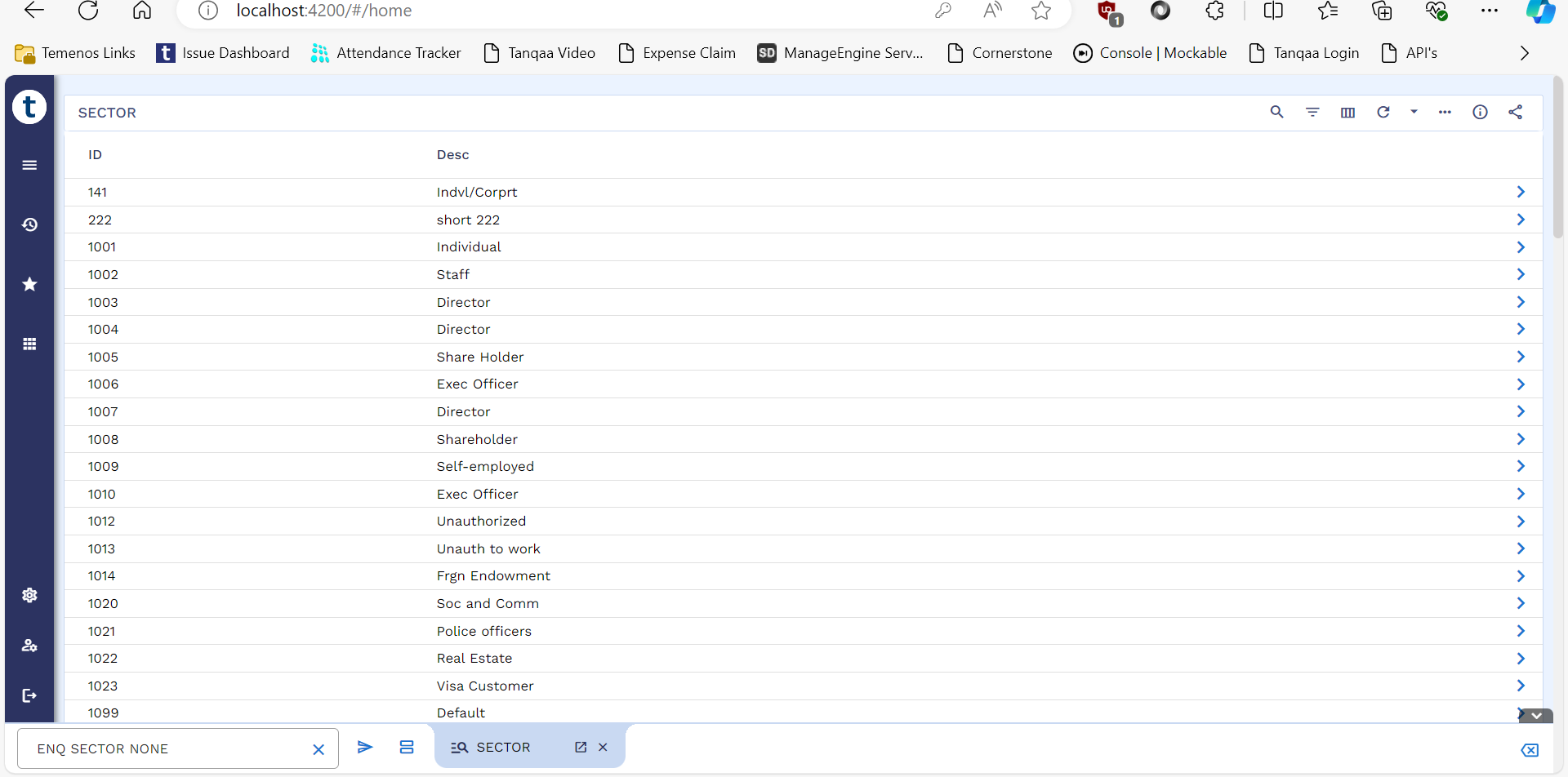
- Enter ‘ENQ SECTOR NONE’ in the command line. A icon is present in the toolbar.
- Click the icon to copy the command link.
- Launch another browser and paste the copied link and hit enter.
- Login with a different user now.
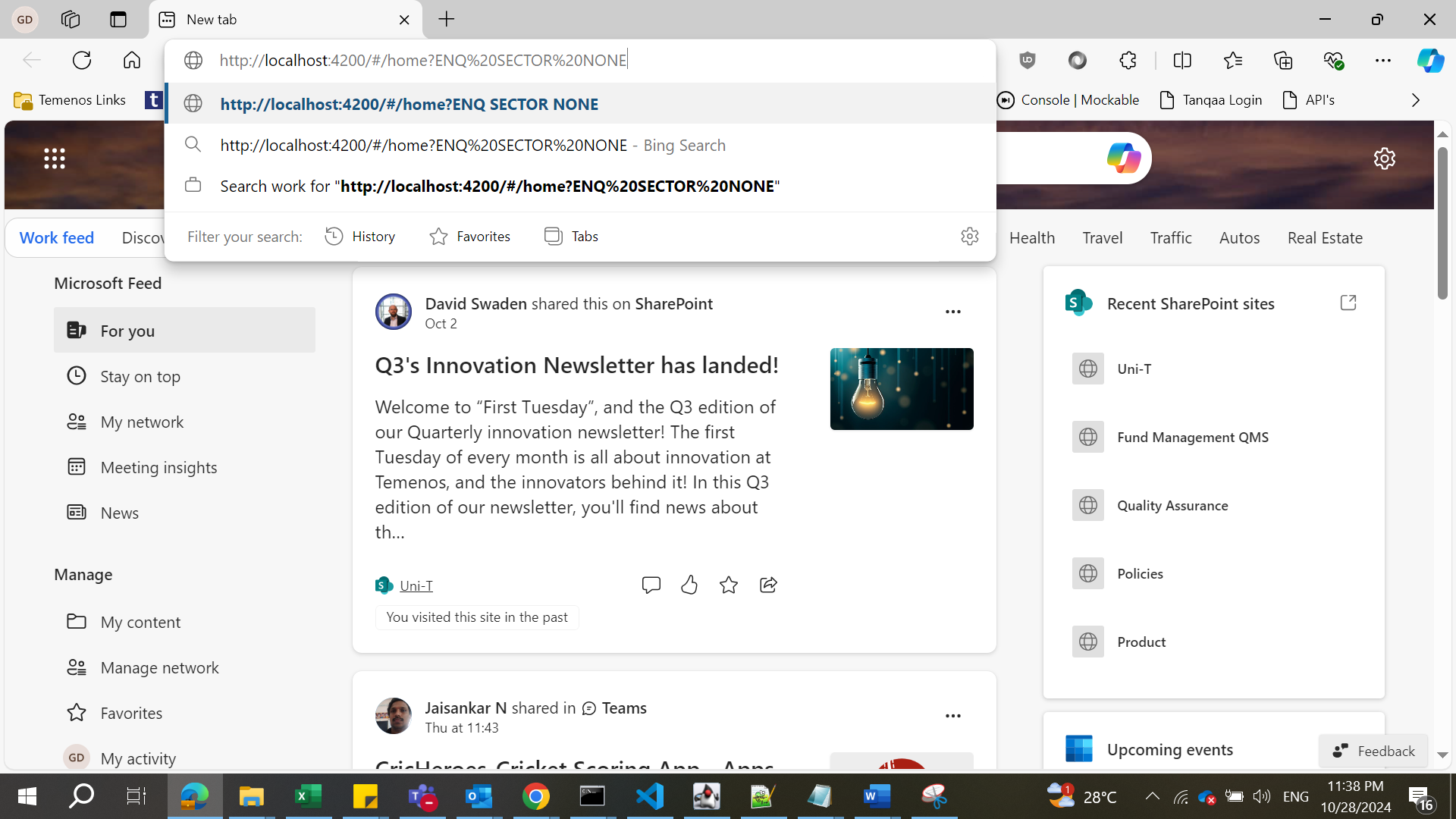
The user can view the enquiry screen (by defauwith entered records that simulates the ‘ENQ SECTOR NONE’.
In this topic